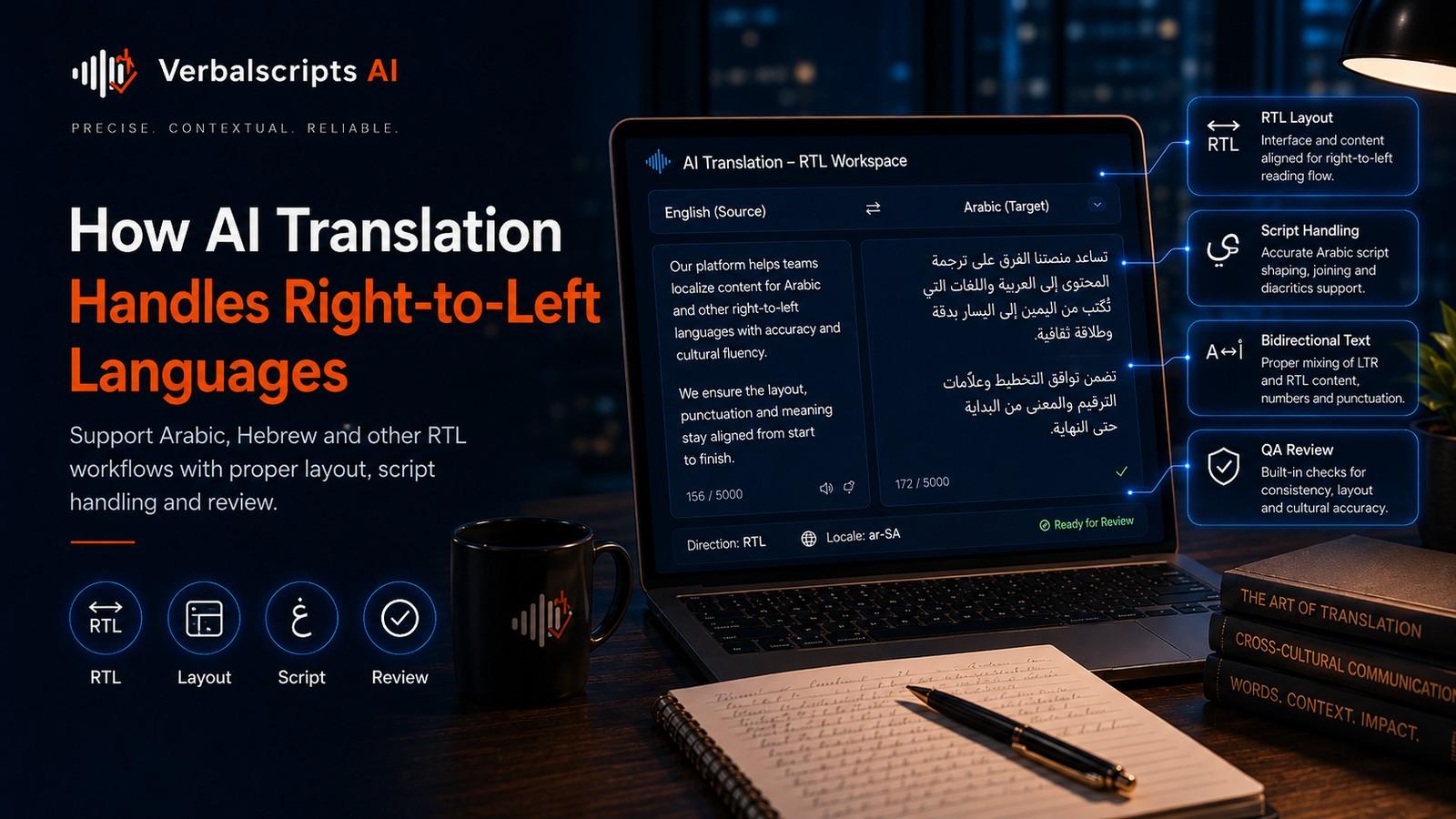
How does AI translation handle right-to-left languages? The language model generates target text in the appropriate script and word order, while the application displaying that text must follow Unicode bidirectional rules and use correct direction metadata. Numbers, Latin product names, URLs and embedded English usually remain left-to-right inside a predominantly right-to-left paragraph. Quality assurance should therefore check both translation accuracy and visual rendering.
Translating Arabic, Hebrew, Persian, Urdu and other languages written in right-to-left scripts involves two different problems at once.
For production multilingual workflows, see our AI Translation service for the delivery path behind the guidance in this article.
The first is linguistic: producing an accurate translation.
The second is technical: ensuring that the translated text is stored, displayed and edited correctly when right-to-left and left-to-right content appear together.
A translation can be linguistically perfect and still look broken if bidirectional text is handled incorrectly.
The key idea is that language direction and text rendering are separate from translation quality.
Right-to-left does not mean every character runs right-to-left
This is the most important technical concept.
Arabic and Hebrew paragraphs generally flow right-to-left. But numbers usually display left-to-right. So do Latin-script product names, email addresses and many technical identifiers.
That creates bidirectional, or bidi, text.
Unicode Standard Annex #9 defines the Unicode Bidirectional Algorithm used to determine display order for mixed-direction text. The underlying characters are stored in logical order; software computes how they should be displayed.
This distinction prevents systems from physically reversing character sequences.
Direction belongs to scripts, not simply languages
W3C guidance stresses that direction is a property of scripts, not of language names alone.
This matters because some languages can be written in more than one script. Azerbaijani, for example, has been written using Latin, Cyrillic and Arabic scripts.
A system should therefore avoid simplistic rules such as:
“If language = X, reverse the UI.”
Instead, direction should be determined using the actual script and content metadata.
Common RTL languages and scripts
Widely used languages written predominantly in right-to-left scripts include:
- Arabic;
- Hebrew;
- Persian;
- Urdu;
- Pashto;
- Sindhi;
- Yiddish;
- Kurdish varieties written in Arabic script.
Other RTL scripts include Syriac, Thaana and N’Ko.
The fact that several languages share the Arabic script does not mean they share vocabulary, grammar or locale conventions.
How AI translates RTL text
At the language-model level, RTL translation is not “backwards translation.”
The model processes encoded text sequences and learns translation relationships between source and target. It generates the target language according to its learned grammar and script.
The hard parts arise from:
- morphology;
- dialect;
- missing diacritics;
- named entities;
- code-switching;
- domain terminology;
- script variants;
- target-market conventions.
Those are linguistic problems.
Rendering then adds another layer.
The Unicode Bidirectional Algorithm
Unicode stores text in logical order: the sequence in which content is read and processed.
When the text is displayed, the Unicode Bidirectional Algorithm assigns directional properties and embedding levels so that RTL and LTR runs appear correctly.
For example, an Arabic sentence containing:
- a phone number;
- “Verbalscripts AI”;
- an email address;
may visually alternate direction several times.
Developers should rely on standards-compliant bidi handling rather than manually reversing strings.
Why manual reversal breaks text
A common mistake is to reverse the translated string before display.
That can:
- reverse letters inside words;
- corrupt numbers;
- break punctuation;
- damage URLs;
- create copy/paste problems;
- produce different behavior across applications.
The correct model is: store text logically, declare direction properly, let rendering software apply bidi rules.
W3C specifically recommends logical ordering rather than visual ordering.
HTML direction metadata
For web content, the dir attribute is central.
A page whose main content is Arabic may use an RTL base direction. Inline segments that need another direction can be handled with appropriate semantic markup.
W3C guidance recommends markup-based direction management where possible and provides techniques for mixed-direction content, form controls, mirrored characters and inline text.
For user-generated or unknown-direction content, dir="auto" can be useful in certain contexts.
Translation pipelines should preserve or generate this metadata when content moves through HTML or structured formats.
Language tags and direction are different metadata
An HTML lang attribute identifies language. A dir attribute identifies direction.
Do not treat them as interchangeable.
Language metadata helps:
- accessibility;
- fonts;
- search;
- spellchecking;
- text-to-speech;
- hyphenation.
Direction metadata controls layout and bidi behavior.
A multilingual page may need both.
Numbers and dates
Numbers are a major source of visual errors in RTL content.
Even within an RTL sentence, digits may run left-to-right. Locale conventions can also affect:
- numeral shapes;
- decimal separators;
- thousands separators;
- date order;
- time format;
- currency placement.
Translation systems should distinguish language translation from locale formatting.
A financial document needs especially careful QA because punctuation around numbers can become visually confusing in mixed-direction layouts.
URLs and email addresses
URLs and email addresses usually contain LTR characters even when embedded in RTL paragraphs.
Potential problems include:
- punctuation appearing on the wrong side;
- parentheses moving visually;
- adjacent punctuation being interpreted as part of the address;
- line breaks occurring at confusing points.
Test actual rendered output, not only raw strings.
This is particularly important for support articles and forms where the user must copy exact text.
Product names and Latin-script terms
Many Arabic or Hebrew documents contain English product and technology names.
A style guide should decide whether each term should be:
- retained in Latin script;
- transliterated;
- translated;
- shown in both forms.
The choice affects bidi layout.
A sentence containing many untranslated Latin terms can become visually complex even if every word is correct.
Punctuation and mirrored characters
Parentheses, brackets and punctuation can appear surprising in bidi text because their display depends on surrounding direction.
Unicode includes rules for paired brackets and directional classes.
Developers should not “fix” punctuation by inserting arbitrary spaces. That may appear correct in one sentence and fail in another.
Use standards-compliant rendering and inspect realistic samples.
User interfaces require more than text translation
A full RTL localization may need the interface itself to adapt.
Depending on design conventions, that can include:
- text alignment;
- navigation flow;
- icon direction;
- table layout;
- progress indicators;
- breadcrumbs;
- form fields;
- carousel direction;
- padding and margins.
Not every element should be mirrored. Brand marks, media controls, charts, clock directions and familiar symbols can have their own rules.
RTL UX should therefore be designed and tested, not produced by a global CSS flip alone.
Document translation
PDFs, presentations and word-processing files add layout complexity.
After translation, check:
- paragraph direction;
- tables;
- numbered lists;
- footnotes;
- text boxes;
- headers;
- page numbers;
- mixed-script citations;
- form fields.
A translation engine may return correct Arabic text while the document reconstruction engine places it in an LTR text box.
For document workflows, layout QA is part of translation QA.
Search and indexing
Search engines can index RTL languages normally when content is exposed as proper text.
SEO fundamentals remain the same:
- descriptive titles;
- useful headings;
- natural language;
- crawlable content;
- correct language metadata;
- high-quality images with meaningful alt text.
Do not transliterate an entire Arabic page into Latin script for SEO unless the audience genuinely searches that way.
Keyword research should be conducted in the target language and locale.
AI and Arabic dialects
Arabic illustrates why “RTL support” is not the same as “language quality.”
Modern Standard Arabic, Egyptian Arabic, Gulf varieties, Levantine varieties and others differ in vocabulary and usage. A system can render every character correctly while misunderstanding dialect.
Specify the intended language variety when it matters.
The same principle applies to other languages with regional and register variation.
A QA checklist for RTL translation
Linguistic checks
- meaning preserved;
- terminology correct;
- names handled consistently;
- correct locale and dialect;
- grammar and register natural.
Bidi checks
- paragraph direction correct;
- embedded LTR text displays correctly;
- numbers not reversed;
- punctuation placed correctly;
- brackets pair correctly.
Layout checks
- headings align correctly;
- lists and tables render properly;
- UI flow is appropriate;
- text does not overlap;
- line breaks remain readable.
Functional checks
- links work;
- email addresses copy correctly;
- search inputs accept RTL text;
- forms preserve direction;
- exported files keep formatting.
A production workflow
Step 1: Identify language, locale and script
Do not use a vague “Arabic” or “Hebrew” label when regional requirements matter.
Step 2: Translate with terminology and context
Apply normal quality controls.
Step 3: Preserve Unicode
Avoid lossy conversions and ASCII substitutions.
Step 4: Set direction metadata
Use standards-compliant document or web attributes.
Step 5: Render
Test in the actual target environment.
Step 6: Native review
A reviewer should inspect both wording and display.
Step 7: Cross-device QA
Web layouts can behave differently across browsers, responsive sizes and embedded components.
Security considerations
Bidirectional text can create security concerns because visual ordering may differ from logical ordering.
Unicode’s bidi documentation points to security guidance for cases where mixed-direction text can disguise identifiers or code.
Software displaying filenames, code, account identifiers or security-sensitive strings should be designed carefully.
Translation teams do not need to become security engineers, but they should avoid adding uncontrolled directional characters as ad hoc fixes.
Common mistakes
Reversing strings manually
This is almost always the wrong approach.
Assuming every RTL language uses Arabic
Hebrew and other RTL scripts have different writing systems.
Mirroring the entire interface blindly
Some components should retain their original direction.
Treating lang as direction
Language and direction metadata have different jobs.
Failing to test mixed content
Numbers, URLs and English product names are where bidi bugs often surface.
Reviewing only screenshots
Screenshots reveal visual problems, but teams should also inspect the underlying text for copy/paste and accessibility.
Accessibility and assistive technology
RTL quality should also be tested with accessibility in mind. Screen readers depend on correct language metadata, logical source order and semantically meaningful markup. A page that merely looks correct after manual visual fixes may still be confusing when read aloud or navigated by keyboard. Keep natural reading order in the DOM, declare language and direction appropriately, and test forms, labels and dynamic components with the same care given to visible paragraphs. Accessibility testing is therefore a useful safeguard against bidi fixes that only work on screen.
Frequently asked questions
Does Arabic text need to be stored backwards?
No. It should be stored in logical order. Standards-compliant software applies the Unicode Bidirectional Algorithm for display.
Why do numbers run left-to-right inside Arabic text?
Many RTL writing systems display numbers left-to-right, creating bidirectional text within an RTL paragraph.
Should an RTL website mirror everything?
No. Many layout elements mirror, but not every icon, chart, logo or media control should. RTL UX requires component-level decisions.
Is RTL translation mainly a design problem?
No. It includes normal linguistic translation challenges plus script direction, rendering and layout requirements.
What standards matter most?
Unicode’s Bidirectional Algorithm is foundational for text rendering, while W3C internationalization guidance provides practical advice for HTML and web content.
Conclusion
Right-to-left translation succeeds only when language and engineering work together.
AI can generate accurate Arabic, Hebrew, Persian, Urdu and other RTL-language text, but the surrounding system must preserve Unicode, set direction correctly and render mixed-direction content according to standards. Numbers, URLs, Latin terms and punctuation deserve dedicated QA.
Treat RTL as a first-class multilingual experience (not as text that needs to be reversed) and both accuracy and usability improve.
Research references
- Unicode Consortium, *Unicode Bidirectional Algorithm (UAX #9)*:
- Unicode Consortium, *FAQ: Writing Direction and Bidirectional Text*:
- W3C, *Authoring HTML: Handling Right-to-left Scripts*:
- W3C, *Visual vs. logical ordering of text*: