How do you translate an audio file with AI? Upload or stream the audio, specify or detect the spoken language, choose the target language, let the system recognize the speech and produce translated text, then review important details such as names, numbers, speaker labels and specialized terminology. For long or high-stakes recordings, save both the source transcript and translated output so reviewers can compare them.
AI can now turn spoken audio in one language into text in another language without requiring a person to manually transcribe the recording first. Under the hood, however, “direct audio translation” is usually a chain of language-processing steps: speech recognition identifies what was said, translation converts the meaning into a target language, and a quality layer checks whether names, numbers, terminology and context survived the process.
For production speech-to-text workflows, see our AI Transcription service for the delivery path behind the guidance in this article.
That workflow can be used for interviews, meetings, podcasts, customer calls, research recordings, webinars and multilingual media.
Microsoft Azure Speech currently supports speech-to-text translation workflows in which spoken input is recognized and translated into target-language text. Its speech translation quickstart also supports translation from audio files, illustrating the basic architecture behind modern audio translation systems.
What “direct audio translation” really means
To the user, the process may look like:
audio file → translated text
Inside the system, it is often closer to:
audio → speech recognition → source transcript → machine translation → target text
Some multimodal models can perform these stages inside a unified architecture, but the quality questions remain the same.
If the speech is recognized incorrectly, the translation begins from the wrong source.
That is why audio translation quality depends on both speech recognition and translation quality.
Step 1: Start with the best possible audio
Audio quality has a major effect on every later step.
AI performs better when the recording has:
- clear speech;
- limited background noise;
- consistent microphone volume;
- minimal clipping;
- limited cross-talk;
- identifiable speakers.
Harder recordings include:
- phone calls;
- distant microphones;
- several people speaking at once;
- strong reverberation;
- music under speech;
- heavy compression.
If you can improve recording quality before processing, do it.
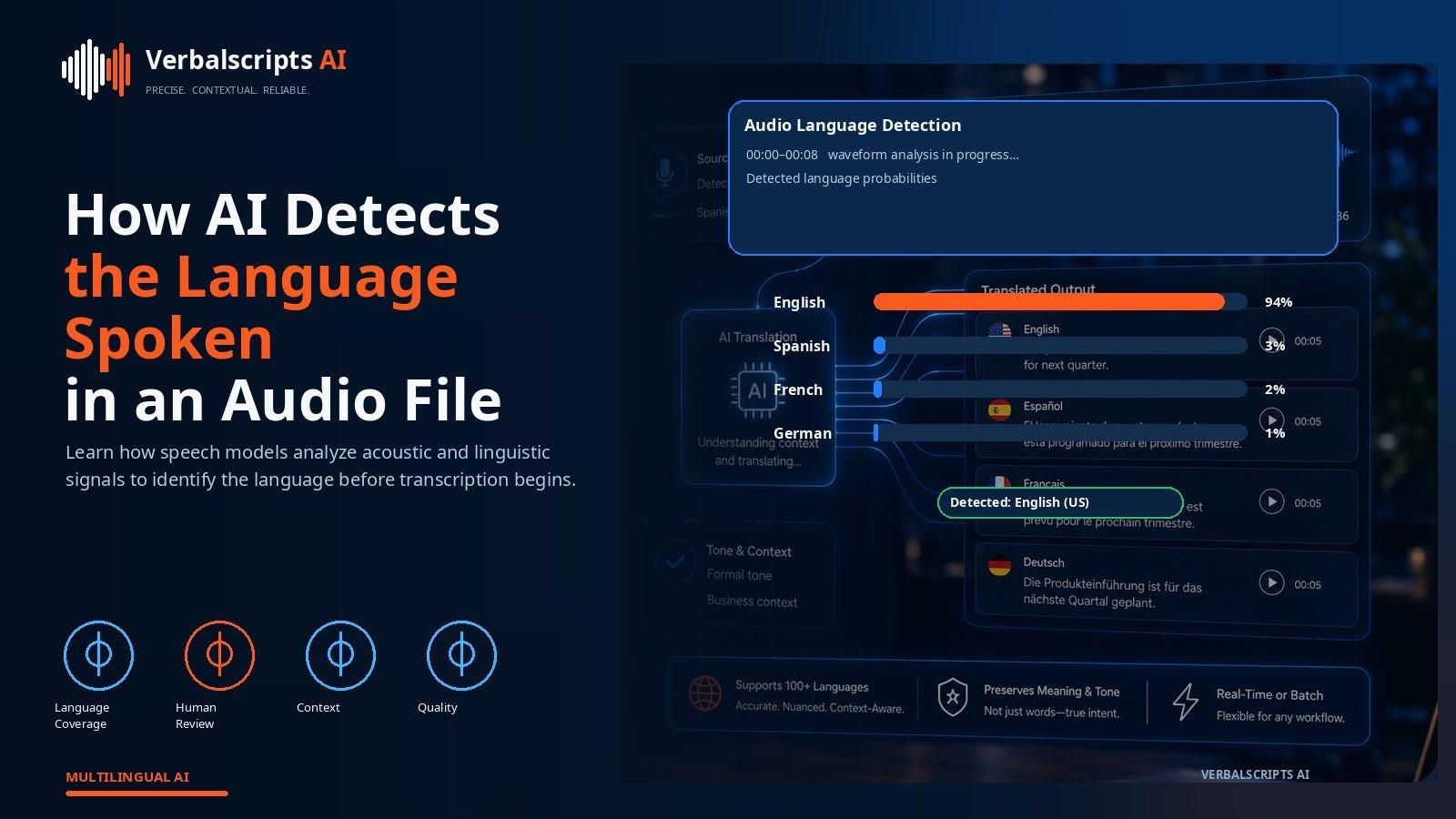
Step 2: Identify the source language
If you already know the language, specify it.
Automatic language identification can help when the source is unknown, but explicit language and locale information usually reduce uncertainty.
For example:
- en-US and en-GB are both English but may differ in pronunciation and vocabulary;
- Spanish varies by region;
- Arabic may contain regional varieties;
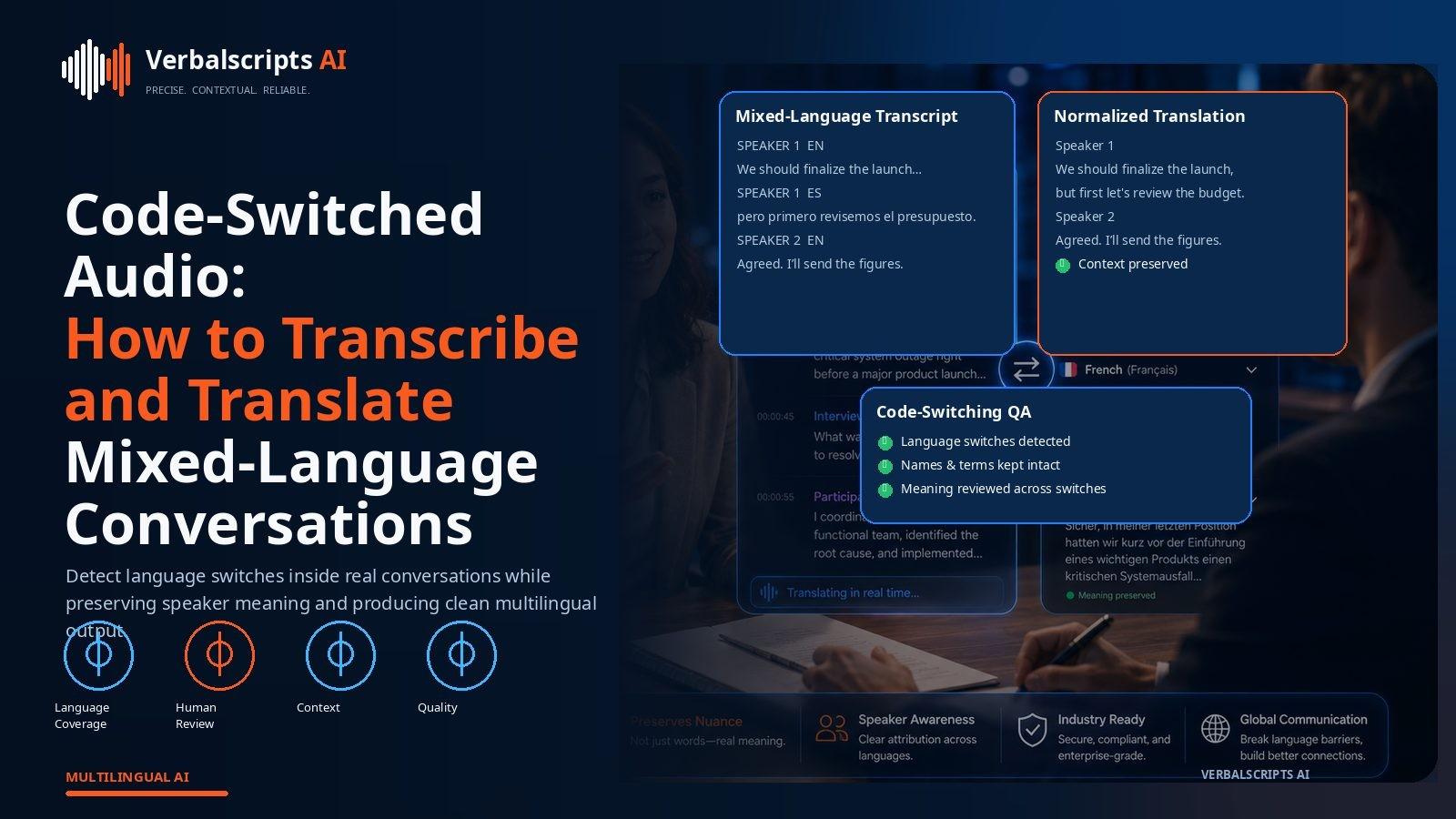
- multilingual speakers may switch languages mid-recording.
Azure’s current speech translation documentation distinguishes the source recognition locale from the target translation language, which is a useful design principle for any audio-translation workflow.
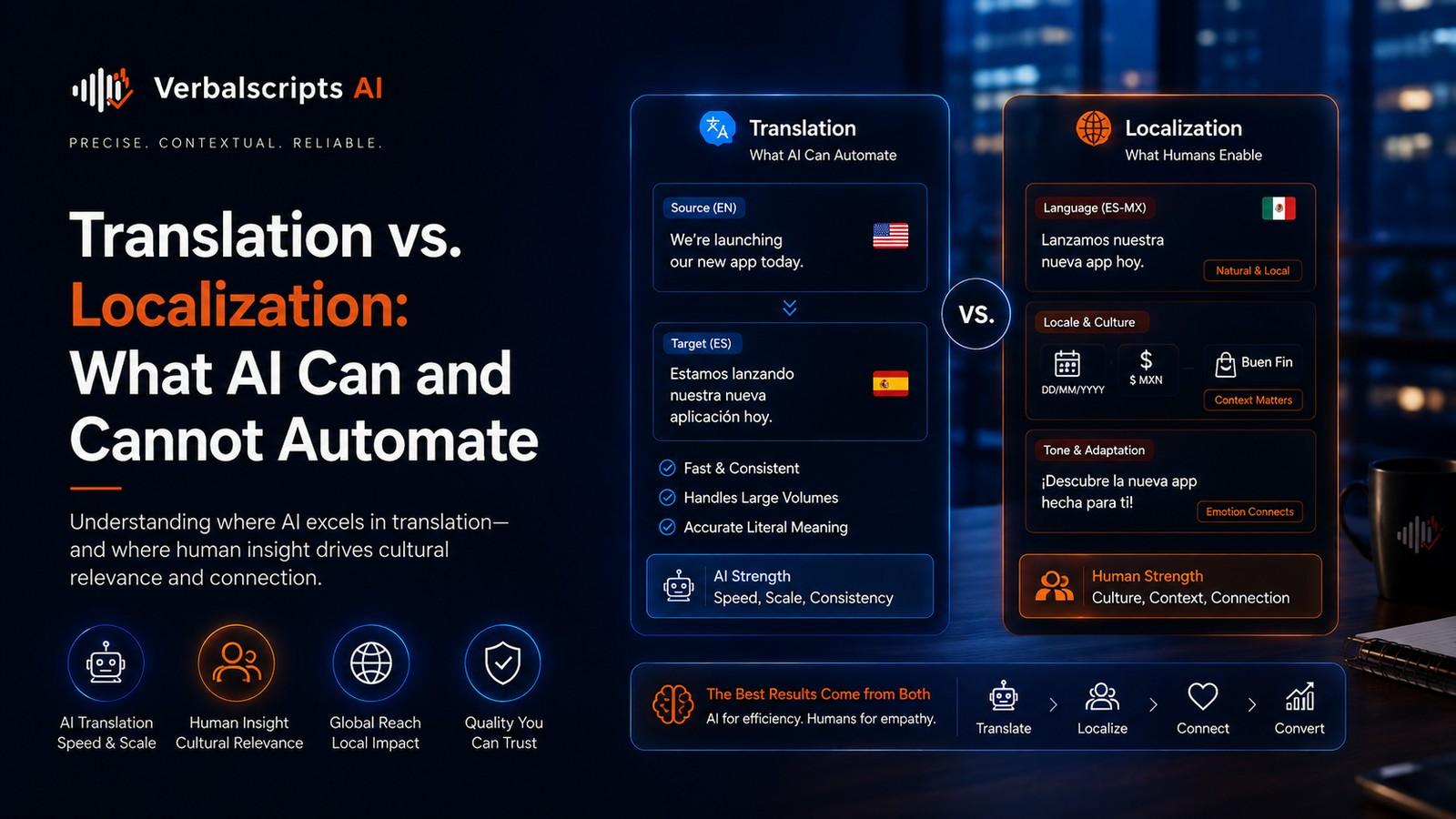
Step 3: Choose the target language and locale
A target language is not always enough.
For publishable or customer-facing material, also consider locale:
- Spanish for Mexico or Spain;
- French for France or Canada;
- Portuguese for Brazil or Portugal.
Locale affects terminology, tone and formatting.
If the translation is only for internal understanding, a broad language target may be sufficient. For publication, localization should be more deliberate.
Step 4: Decide whether you need translated text or translated voice
These are different deliverables.
Audio to translated text
Best for:
- transcripts;
- notes;
- research;
- subtitles;
- documentation.
Audio to translated speech
Best for:
- dubbed media;
- voice assistants;
- multilingual presentations;
- real-time interpreting systems.
This article focuses primarily on translated text because it is easier to verify and archive. Voice translation adds speech synthesis and voice-selection decisions on top of translation.
Step 5: Transcribe the speech accurately
Speech recognition should preserve more than words.
Useful transcript features include:
- timestamps;
- punctuation;
- speaker labels;
- confidence information;
- detected language;
- word timing.
Speaker labels are especially helpful for interviews and meetings. Without them, translated dialogue can become difficult to follow.
For long audio, continuous recognition is usually preferable to short one-shot recognition.
Step 6: Protect names and numbers
Names and numbers are among the highest-value QA targets.
Check:
- personal names;
- company names;
- addresses;
- dates;
- times;
- prices;
- percentages;
- case numbers;
- product IDs.
Speech recognition can mishear these before translation begins.
A translated output that reads smoothly may hide the original recognition error.
Step 7: Apply terminology
If the audio concerns a specialized domain, add a glossary.
Examples:
- medical terminology;
- legal terminology;
- product names;
- engineering components;
- finance terms.
Terminology helps at both the speech-recognition and translation stages when the platform supports customization.
Even when the platform cannot customize speech recognition directly, the translation layer can still enforce approved target terms.
Step 8: Translate with context
Do not translate every sentence independently when broader context matters.
Audio often contains:
- pronouns;
- repeated names;
- callbacks to earlier statements;
- abbreviations;
- unfinished sentences;
- corrections.
Document-level or conversation-level context helps the model resolve meaning more consistently.
Step 9: Review the source transcript
For high-stakes audio, review the transcript before trusting the translation.
This is especially important for:
- noisy recordings;
- legal evidence;
- medical content;
- financial discussions;
- technical interviews.
A source-transcript review separates speech-recognition errors from translation errors.
Step 10: Review the target translation
Now compare:
- source transcript;
- target translation;
- original audio where needed.
Check:
- meaning;
- omissions;
- terminology;
- names;
- numbers;
- tone;
- speaker attribution.
This is the stage where human review adds the most value.
Real-time speech translation
AI can also translate live audio.
Real-time systems are used in:
- meetings;
- events;
- customer service;
- travel;
- live captions.
Microsoft Teams, for example, currently offers live translated captions and transcripts in supported configurations. Its documentation also recommends setting the spoken language correctly because this affects caption accuracy.
Real-time translation is useful, but it has less opportunity for correction than post-produced translation.
File-based audio translation
For recorded audio, a file workflow provides more control.
Advantages include:
- better segmentation;
- replay;
- human review;
- batch processing;
- searchable archives.
Typical formats may include WAV, MP3, M4A and audio tracks extracted from video.
Compressed formats can be practical, but high-quality source audio is generally preferable when accuracy matters.
Multilingual recordings
One recording can contain multiple languages.
This may happen in:
- bilingual interviews;
- international meetings;
- code-switched conversations;
- interpreter-assisted calls.
A multilingual workflow needs to detect language changes or allow reviewers to mark segments by language.
Do not force the entire recording through a single-language assumption.
Speaker diarization
Speaker diarization answers:
Who spoke when?
It is not the same as recognizing the words.
Good diarization can make translated audio far easier to use:
- Speaker 1;
- Speaker 2;
- Interviewer;
- Participant.
For publication, generic speaker labels may later be replaced with verified names.
Audio translation for interviews
Interviews require careful handling because the participant’s tone and meaning matter.
Avoid:
- over-polishing;
- removing uncertainty;
- rewriting informal speech into formal prose unless requested.
If the translation will be quoted publicly, human review is advisable.
Audio translation for meetings
Meeting audio often contains:
- interruptions;
- unfinished thoughts;
- jargon;
- names;
- action items.
The translated output can be more useful if the system produces both:
- full translated transcript;
- structured summary.
Keep the transcript as the record and treat the summary as a secondary derivative.
Audio translation for podcasts
Podcasts require a different balance.
For internal accessibility or research, translated transcripts may be enough.
For global publishing, you may also need:
- subtitle files;
- translated show notes;
- localized episode descriptions;
- dubbed audio.
The transcript can become the source for all of these.
Privacy and consent
Audio can contain extremely sensitive information.
Before uploading, verify:
- data retention;
- encryption;
- access controls;
- whether recordings are used for model improvement;
- consent or recording rules;
- organizational policy.
Audio can reveal identity even if obvious personal information is removed from the transcript.
Quality metrics
A useful audio-translation evaluation separates:
Speech-recognition quality
Did the system hear the source correctly?
Translation adequacy
Did the target preserve the meaning?
Target fluency
Does the translated text read naturally?
Terminology accuracy
Were specialized terms translated correctly?
Entity accuracy
Were names and numbers preserved?
This makes troubleshooting far more actionable than one overall score.
Common failure patterns
Recognition error becomes translation error
The system mistranscribes the source and then confidently translates the mistake.
Wrong language setting
The recognizer uses the wrong source locale.
Name corruption
Names are guessed phonetically.
Lost speaker structure
Translated text becomes one continuous block.
Over-cleaning
The translation removes uncertainty or conversational nuance that mattered.
A recommended production workflow
- Upload high-quality audio.
- Set or detect source language.
- Run speech recognition.
- Produce timestamps and speaker labels.
- Review high-risk source segments.
- Apply terminology.
- Translate into the target language.
- Run automated entity and number checks.
- Human-review important content.
- Export the translated transcript or subtitle file.
Choosing the right output for your project
Audio translation can produce several different outputs, and the best one depends on what happens next. For a legal team, a bilingual transcript may be the priority. A video producer may need timed subtitles. A research group may want source and target transcripts in parallel columns. A global support team may need a translated summary plus a searchable transcript.
Define the deliverable before processing because it affects segmentation, review and formatting. If you know that subtitles will be created later, preserve detailed timestamps from the start. If the translation will become a report, paragraph-level timestamps may be enough.
File formats and audio preparation
Different platforms accept different formats, but common inputs include WAV, MP3, M4A and audio extracted from MP4 or MOV files. Lossless or lightly compressed audio is useful when the source is difficult. For everyday recordings, well-encoded compressed audio is often adequate.
Before translation, check that:
- the file plays from beginning to end;
- there are no duplicated segments;
- stereo channels are not hiding separate speakers;
- the sample rate is supported;
- long files are not truncated during upload.
Where a recording has one speaker on each channel, keeping the channels separate can improve later speaker identification.
What to do with unclear audio
Professional workflows should have a policy for uncertainty. If a word cannot be heard confidently, the system or reviewer should mark it rather than inventing a likely phrase.
Useful conventions include:
- [inaudible];
- [unclear];
- low-confidence flags;
- reviewer comments.
The exact convention depends on the deliverable. In legal, research and archival work, preserving uncertainty is usually better than guessing.
Human review versus fully automatic translation
Fully automatic audio translation is useful for:
- content discovery;
- internal understanding;
- rough multilingual review;
- low-risk archives.
Human-reviewed translation is more appropriate for:
- public publication;
- legal or medical content;
- customer-facing material;
- paid media;
- research quotations.
The difference is not whether AI is used. It is whether a person verifies the parts where mistakes have real consequences.
Scaling audio translation across languages
Once a source transcript has been corrected, adding additional languages becomes much more efficient. This is one reason a transcript-first architecture scales well.
A mature multilingual workflow can reuse:
- speaker labels;
- timestamps;
- named entities;
- glossary terms;
- source corrections.
Each target language still needs locale-appropriate translation and, where necessary, review. But the expensive source-understanding work does not need to be repeated from zero.
Cost and turnaround considerations
Audio translation cost depends on more than file duration. Important variables include:
- audio clarity;
- number of speakers;
- language pair;
- review level;
- terminology complexity;
- output format;
- number of target languages.
AI reduces first-pass turnaround substantially, but a 60-minute legal interview with multiple speakers and full verification is a different task from a 60-minute clean internal presentation translated for reference. Pricing and timelines should reflect the quality requirement, not duration alone.
A simple acceptance checklist
Before delivery, confirm:
- the entire recording was processed;
- speaker labels are present where required;
- names and numbers are correct;
- target language and locale are correct;
- no source-language segments remain unintentionally;
- timestamps match the recording;
- glossary terms are consistent;
- the final file opens correctly.
This checklist is simple enough to automate partly and valuable enough to prevent many avoidable failures.
Frequently asked questions
Can AI translate audio without creating a transcript first?
Some systems present the workflow as direct speech translation, but an internal speech-recognition representation is still typically part of the process.
Can AI translate live speech?
Yes. Modern meeting and speech platforms support live translated captions or speech-translation workflows.
Is translated audio more accurate than translated text?
Not necessarily. Audio adds speech-recognition errors before translation, so quality depends heavily on recording conditions.
Can one audio file be translated into multiple languages?
Yes. A single source transcript can be translated into multiple target languages efficiently.
Should I keep the source transcript?
Yes. It is valuable for review, auditability and future retranslations.
Conclusion
AI audio translation makes multilingual speech far more accessible, but the quality of the translation begins with what the system hears.
The strongest workflow preserves the source transcript, protects names and numbers, uses terminology, keeps speaker structure and adds human review where meaning matters. With those controls, one recording can become searchable text, multilingual transcripts, subtitles and other global content assets.
Research references
- Microsoft Learn, Speech translation quickstart:
- Microsoft Learn, Azure Speech language support:
- Microsoft Support, Live captions in Teams: