How does AI webinar translation work? During a live webinar, speech recognition converts the speaker’s audio into captions and machine translation renders those captions in target languages. After the event, a full transcript can be reviewed, corrected and translated more accurately for publication, subtitles or event recaps. Use real-time translation for access and post-event review for archival or publishable quality.
Webinars are often designed for broad audiences, yet language can still limit who benefits from them.
For production multilingual workflows, see our AI Translation service for the delivery path behind the guidance in this article.
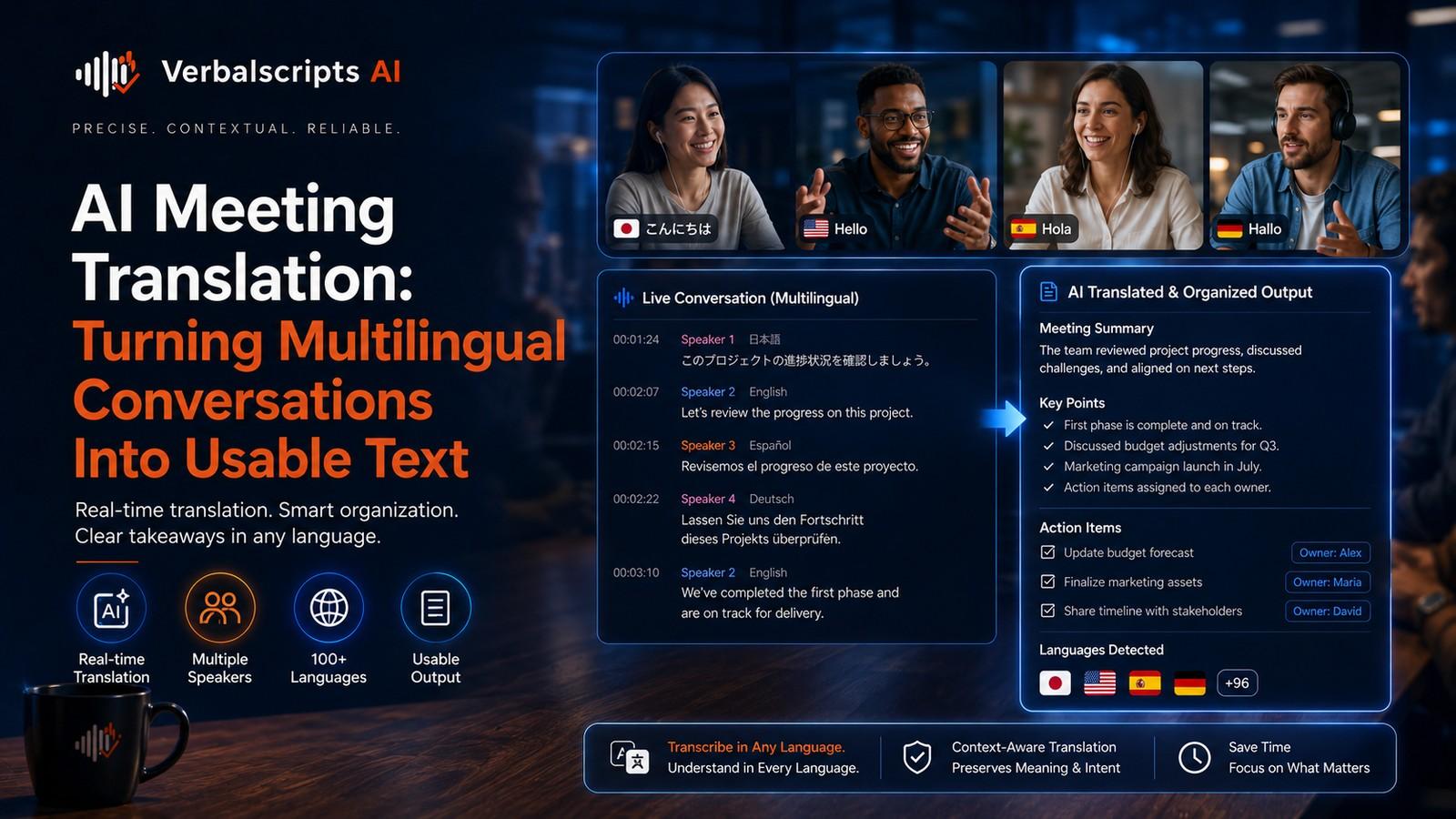
AI webinar translation can provide live translated captions during the event and create multilingual transcripts and subtitle tracks afterward. This gives international teams, customers, learners and partners several ways to follow the same session without requiring a separate live interpreter for every language.
The best solution depends on whether the priority is real-time participation, post-event accuracy or both.
Microsoft Teams currently supports live translated captions for meetings and events in supported configurations, demonstrating how this workflow operates in production collaboration tools.
Live translation versus post-event translation
These are related but different.
Live webinar translation
Optimized for:
- low latency;
- participation;
- comprehension during the event.
Post-event translation
Optimized for:
- accuracy;
- review;
- reusable content;
- subtitles;
- documentation.
A mature event workflow uses both.
Before the webinar: prepare the language setup
Good translation begins before speakers go live.
Prepare:
- expected spoken language;
- target languages;
- speaker names;
- agenda;
- product names;
- acronyms;
- specialized terminology.
If the event is highly technical, give the system or reviewers a glossary in advance.
Set the spoken language correctly
Speech recognition performs better when the source language is configured accurately.
Microsoft Teams currently prompts organizers to set or update the spoken language for captions and transcription.
For multilingual sessions, use platforms that support multiple-language recognition or explicitly plan how language changes will be handled.
Live translated captions
Live translated captions are useful for:
- global all-hands meetings;
- product demos;
- customer webinars;
- training events;
- conferences.
Attendees can read the session in a language they understand while the speaker continues in the original language.
Latency is unavoidable. The system needs time to:
- recognize speech;
- translate it;
- display text.
The goal is usable delay, not zero delay.
Caption accuracy in live settings
Real-time captions are harder than post-produced captions because:
- there is no rewind;
- context is still unfolding;
- speakers interrupt each other;
- microphones vary;
- terminology can be unexpected.
Encourage presenters to:
- use a good microphone;
- speak clearly;
- avoid talking over other speakers;
- define uncommon acronyms.
These presentation habits improve both source captions and translation.
International panels
Panel discussions are harder than solo presentations.
Challenges include:
- speaker diarization;
- accents;
- rapid turn-taking;
- cross-talk;
- different languages.
For important international events, human captioning or interpreting may still be appropriate, especially where accuracy requirements are high.
AI can supplement rather than replace human language access.
Q&A sessions
Audience Q&A can introduce:
- unexpected topics;
- poor microphone audio;
- spontaneous names;
- multilingual questions.
If users submit typed questions, those can often be translated more reliably than live spoken questions.
For spoken Q&A, moderators can repeat or clarify the question before the speaker answers.
Slides and on-screen text
Live captions translate speech, not necessarily the presentation slides.
To fully localize a webinar, also consider:
- translated slide deck;
- multilingual handouts;
- localized polls;
- chat messages;
- downloadable resources.
Attendees may understand the speaker but still be unable to read the screen.
Accessibility
Captions support accessibility as well as language access.
WCAG 2.2 requires captions for live audio in synchronized media at Level AA.
For accessibility-quality live events, organizers should understand whether the platform’s automatic captions meet their legal, organizational or audience requirements.
In some contexts, human CART captioning may be preferable.
Recording and transcription
After the event, save the recording and transcript if policy permits.
The transcript becomes useful for:
- multilingual subtitles;
- blog posts;
- summaries;
- FAQs;
- internal training;
- searchable archives.
Post-event editing can correct errors that were acceptable during live delivery.
Translated transcripts
Translated meeting or webinar transcripts can be produced in real time or after the event depending on the platform.
Microsoft’s current Teams documentation notes that live translated transcription can be viewed during meetings, while storage behavior for translated transcripts depends on feature configuration.
For archival workflows, export or generate approved translated versions deliberately.
Subtitle creation after the webinar
Once the source transcript is corrected:
- segment the text;
- translate it;
- generate timed subtitle cues;
- review in the video;
- publish target-language tracks.
This is more accurate than relying on the unedited live captions as the permanent subtitle file.
Event recaps
AI can help turn the webinar into:
- key takeaways;
- recap article;
- FAQ;
- action items.
Translate those as separate content assets rather than assuming the transcript itself is the best reader experience.
Terminology
Events often introduce new product terminology.
Create a term list for:
- product names;
- presenter names;
- acronyms;
- campaign phrases;
- technical terms.
This improves the live experience and makes post-event translation more consistent.
Privacy
Webinars may include:
- participant names;
- chat messages;
- questions;
- internal company information.
Before recording or translating:
- understand consent;
- define retention;
- restrict access;
- review platform settings.
Do not create a multilingual permanent archive of content that was intended to be temporary or confidential.
Global internal meetings
AI webinar translation is particularly useful for:
- global town halls;
- leadership updates;
- training;
- quarterly briefings.
Employees can consume the event in a more comfortable language without requiring separate regional sessions.
Post-event translated transcripts also support asynchronous teams.
Customer webinars
Customer-facing webinars need stronger polish.
Review:
- product terminology;
- claims;
- subtitles;
- CTA;
- follow-up resources.
A live caption error may be tolerated momentarily; a published video should be corrected.
Event localization checklist
Before:
- source language configured;
- target languages chosen;
- terminology prepared;
- speakers briefed.
During:
- microphone quality monitored;
- captions enabled;
- Q&A moderated;
- accessibility support available.
After:
- transcript corrected;
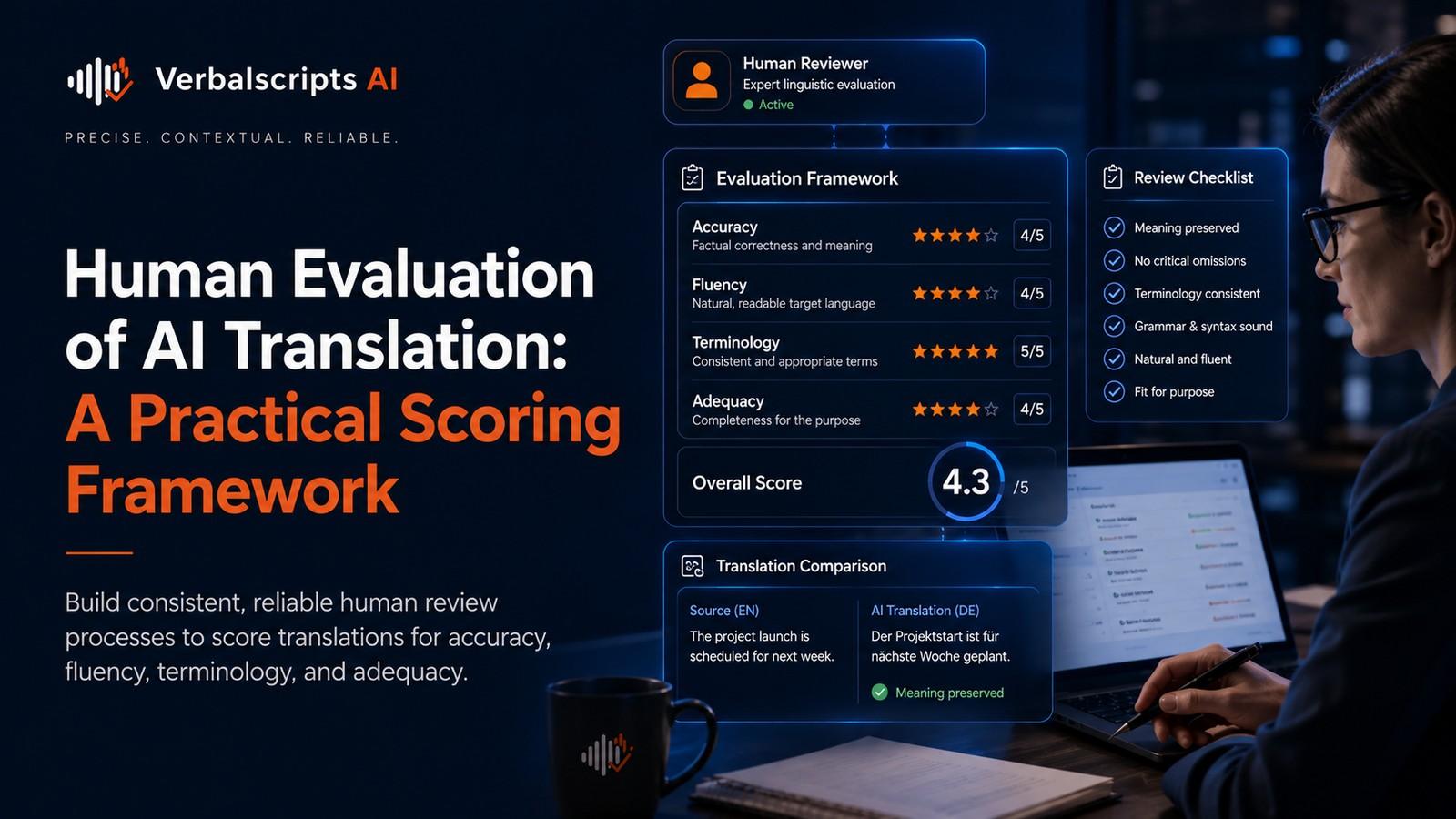
- translation reviewed;
- subtitles created;
- event assets localized.
Common failure patterns
Wrong spoken-language setting
Recognition quality drops.
Slides remain untranslated
Attendees get only partial access.
Live captions are reused as final subtitles
Errors become permanent.
Panel cross-talk
Speaker attribution and translation degrade.
No post-event workflow
The event is accessible live but not afterward.
Human interpreters versus AI captions
AI translated captions and human interpreters solve overlapping but different problems.
AI captions are scalable and allow many attendees to select target languages independently. Human interpreters can better handle:
- nuance;
- fast interaction;
- rhetorical style;
- high-stakes communication.
Large events may use both. AI captions support broad access while interpreters serve priority languages or sessions where accuracy requirements are higher.
Event-production roles
A multilingual webinar works better when responsibilities are assigned before the event.
Possible roles include:
- event host;
- technical producer;
- caption/translation coordinator;
- moderator;
- post-event editor.
The translation coordinator can confirm language settings, terminology and recording availability while the moderator focuses on the speakers and audience.
Rehearsals matter
Use a short technical rehearsal with:
- the real microphone;
- the real presentation deck;
- representative terminology;
- the captioning system enabled.
This exposes problems such as:
- speaker names being misrecognized;
- audio channels failing;
- captions covering slide content;
- wrong spoken-language settings.
Fixing these before the live event is far easier than correcting the viewer experience afterward.
Multilingual follow-up
After the webinar, attendees may need:
- translated slides;
- FAQ;
- resource links;
- certificate information;
- recording subtitles.
The post-event translation should be coordinated so the same terminology appears across all of these assets.
Webinar analytics
Teams can evaluate language demand through:
- registration language;
- caption usage;
- post-event views;
- target-language resource downloads.
These signals help decide which languages deserve dedicated human interpretation, translated slides or additional localized sessions in the future.
Security and internal events
Internal events may include sensitive roadmap or financial information. Recording and transcript permissions should be configured deliberately.
If the event is confidential:
- limit who can download transcripts;
- define retention;
- prevent public sharing;
- review third-party integration permissions.
Translation expands the number of derivative files, so security policy must cover those files too.
Accessibility-first production
Captions should be planned as part of the event, not added at the last minute.
For important public or educational webinars, confirm:
- captions are available from the start;
- speakers identify themselves when necessary;
- visual content is described where appropriate;
- presentation materials are accessible.
Language access and disability access often reinforce each other.
A post-event publishing workflow
A strong workflow is:
- export recording;
- correct source transcript;
- create approved target translations;
- generate subtitle tracks;
- localize title and description;
- publish language resources;
- archive reviewed versions.
This turns one webinar into a multilingual content library rather than a one-time event.
Presenter guidance improves translated captions
Speakers can actively improve real-time translation quality. Encourage presenters to introduce unusual names clearly, avoid reading long serial numbers too quickly and pause briefly between major sections. If acronyms are central to the talk, define them on first use. These habits help all attendees, not only people using captions.
Choosing priority languages
International events do not always need every possible language. Start with languages supported by audience registration data, customer geography or employee distribution. This makes it possible to validate terminology, monitor the live experience and assign reviewers more effectively. Expand coverage after the workflow has proven reliable.
Recording corrections for future events
If the event team notices recurring misrecognitions, record them after the webinar. Product names, executive names and technical terms can be added to future preparation documents or platform vocabulary features where supported. The goal is to make every event easier to caption and translate than the one before it.
The live experience should remain optional
Attendees should be able to choose whether to view translated captions and, where the platform allows it, select the language that works best for them. Providing options is usually better than forcing one translated view on every participant.
Record the approved event terminology
After each event, keep the corrected names and technical terms for the next session. Reusing these decisions improves consistency and reduces repeated captioning errors.
Frequently asked questions
Can AI translate webinars in real time?
Yes. Modern collaboration and event platforms support live translated captions.
Are live captions as accurate as reviewed subtitles?
Usually not. Post-event review provides time to correct recognition and translation errors.
Should webinar slides be translated too?
For a fully multilingual event, yes, especially if the slides contain important instructions, data or terminology.
Can translated transcripts be used for recap content?
Yes. They are useful source material for articles, FAQs and summaries after review.
When should human interpreters or captioners be used?
When the event is high-stakes, legally important, accessibility-critical or requires greater real-time accuracy than automatic systems can reliably provide.
Conclusion
AI webinar translation can turn a single live event into a global experience.
Use live translated captions to increase participation, then treat the recording and transcript as production assets for accurate post-event translation, subtitles and recaps. The most successful workflows prepare terminology before the session and do not confuse real-time accessibility with final publishing quality.
Research references
- Microsoft Support, Live captions in Teams:
- Microsoft Support, Live translated transcription in Teams:
- W3C, WCAG 2.2: