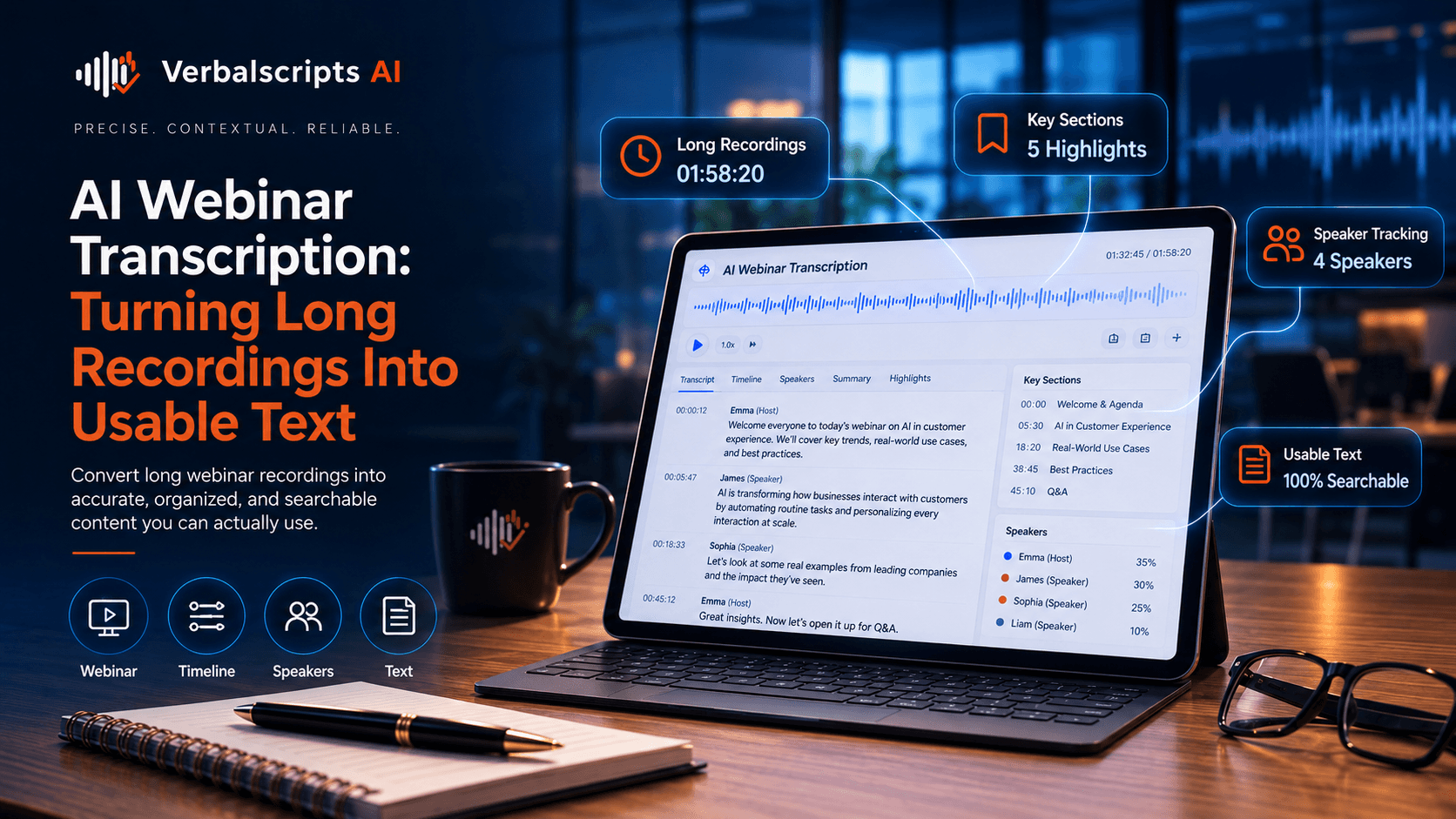
How does AI meeting translation work? Speech recognition converts each speaker’s audio into text, translation renders that text in another language, and meeting software presents it as live captions or a transcript. After the meeting, the source transcript can be reviewed and translated into persistent notes, summaries or searchable records. Accuracy improves when the spoken language is set correctly, speakers use good microphones and important terminology is known in advance.
Multilingual meetings create a simple operational problem: people can be in the same conversation without having equal access to what is being said.
For production multilingual workflows, see our AI Translation service for the delivery path behind the guidance in this article.
AI meeting translation can reduce that gap by generating live captions, translating transcripts and turning conversations into searchable text. It can support global teams, customer calls, cross-border projects and international events without requiring everyone to speak the same working language fluently.
The most valuable output is often not the live translation alone. It is the usable multilingual record created afterward.
Microsoft Teams currently supports multilingual speech recognition and translated captions/transcripts in supported configurations, providing a real-world example of this workflow.
What meeting translation can produce
A modern workflow may generate:
- live captions;
- translated captions;
- source transcript;
- translated transcript;
- meeting summary;
- action items;
- decisions;
- searchable archive.
These outputs serve different purposes and should not be treated as interchangeable.
Live access versus permanent record
Live translated captions prioritize speed.
A permanent transcript prioritizes:
- accuracy;
- completeness;
- correction;
- searchability.
The meeting can therefore have two quality layers:
- real-time access;
- post-meeting verified record.
This is especially useful in business settings where people need both participation and documentation.
Spoken language settings
Meeting tools often ask for the spoken language.
This matters because speech recognition models use language and locale assumptions to interpret sounds.
If the language setting is wrong:
- names may be mangled;
- ordinary words may be misrecognized;
- punctuation degrades;
- translation begins from bad text.
Teams documentation currently recommends ensuring the meeting’s spoken language is correct for caption accuracy.
Multilingual speech recognition
Traditional meeting transcription assumes one spoken language.
Global meetings may include:
- English presentation;
- Spanish questions;
- French responses;
- code-switching.
Newer tools can support multiple spoken languages or switch recognition settings.
However, multilingual recognition is still harder than clean single-language audio. Review becomes more important.
Speaker diarization
A useful transcript needs to show who said what.
Diarization helps separate:
- manager;
- engineer;
- customer;
- interpreter;
- guest.
Meeting platforms may use participant identity or voice-based segmentation.
Speaker labels should be verified when:
- decisions matter;
- quotes are reused;
- the meeting is legal or regulated.
Cross-talk and interruptions
Natural meetings are messy.
People:
- interrupt;
- speak simultaneously;
- use incomplete sentences;
- laugh;
- speak away from microphones.
These conditions reduce recognition and translation accuracy.
Good facilitation improves language technology:
- one person at a time;
- clear microphones;
- repeat important numbers;
- spell unusual names when needed.
Terminology
Global teams use internal vocabulary:
- project code names;
- product names;
- acronyms;
- department abbreviations.
A meeting translation system that translates these literally can create confusion.
Use a glossary or participant context where available.
For recurring meetings, corrections can become a reusable terminology resource.
Names
Participant names are a common error source.
If a platform knows the participant roster, it can sometimes improve caption spelling.
For formal transcripts:
- verify names;
- verify job titles;
- preserve company names.
Do not rely only on phonetic recognition.
Numbers and dates
Meetings often contain:
- deadlines;
- budgets;
- percentages;
- quantities;
- dates.
These should be checked before the transcript becomes an operational record.
A mistaken date in an action-item summary can be more costly than an awkward sentence.
Translation of action items
Action items are derived content.
A good workflow:
- preserves the transcript;
- identifies the action;
- translates the relevant statement;
- summarizes carefully.
Do not replace the source conversation with only an AI-generated action list.
Summaries can omit qualifications or uncertainty.
Decisions and commitments
Business meetings may include statements such as:
- “We can probably deliver by Friday.”
- “We will deliver by Friday.”
Those are not equivalent.
Translation and summarization should preserve the level of commitment.
For important project or contractual discussions, human review is prudent.
Global town halls
Meeting translation can improve access in company-wide sessions.
Employees can:
- follow live captions;
- read translated transcript;
- review recap later.
This is especially useful for distributed teams working asynchronously.
Customer calls
Customer calls add privacy and service-quality concerns.
Translation can help:
- agents understand customers;
- customer success teams share insights;
- multilingual teams review calls.
Protect:
- personal data;
- payment information;
- confidential business details.
Sales meetings
Sales calls contain:
- pricing;
- promises;
- objections;
- negotiation language.
Translated summaries are helpful, but important commitments should be checked against the transcript.
AI should not turn a tentative sales statement into a contractual promise.
Technical meetings
Engineering and product meetings contain dense terminology.
Provide:
- acronym list;
- product names;
- API names;
- version numbers.
Technical reviewers may need to verify target-language terminology.
Meeting notes versus transcript
A transcript is a near-complete record of speech.
Meeting notes are a selective interpretation.
For multilingual teams, both are useful.
The source transcript supports traceability. The translated notes support efficiency.
Do not confuse the two.
Live translated captions
Real-time captions help participants follow discussion.
Microsoft Teams currently supports translated captions and transcripts in supported licensing configurations and allows attendees to select a target language.
Live output should be treated as assistive real-time content, not necessarily final publication-quality translation.
Post-meeting translation
Post-meeting processing can improve quality by:
- correcting names;
- fixing recognition errors;
- adding punctuation;
- translating larger context blocks;
- reviewing important segments.
This is the better source for official meeting records.
Searchable archives
A verified transcript can become searchable organizational knowledge.
Teams can search:
- product decisions;
- customer feedback;
- project discussions;
- recurring issues.
Translated versions expand that access across language groups.
Access control remains important.
Retention
Meeting transcripts may contain sensitive content.
Define:
- whether they are stored;
- for how long;
- who can access them;
- whether translated derivatives are retained.
Some collaboration tools distinguish between live captions and stored transcripts.
Understand the platform’s behavior before assuming everything persists.
A practical workflow
Before the meeting
- set spoken language;
- prepare terminology;
- test microphones;
- confirm consent.
During
- enable captions/transcription;
- minimize cross-talk;
- repeat critical numbers;
- flag unclear terminology.
After
- correct source transcript;
- translate;
- extract action items;
- review high-risk content;
- publish to authorized users.
Quality metrics
Useful measures include:
- recognition edit rate;
- translation edit rate;
- entity accuracy;
- speaker accuracy;
- action-item accuracy;
- user comprehension.
Meeting translation should improve collaboration, not simply generate more text.
Common failure patterns
Wrong speaker
Statement is attributed to the wrong person.
Overconfident summary
A tentative discussion becomes a firm decision.
Lost language switch
One speaker changes language and the system misses it.
Name and acronym errors
Internal terms become unreadable.
No privacy governance
Sensitive transcripts are stored indefinitely.
Interpreters and AI in the same meeting
Some meetings already include human interpreters. AI transcription can still add value by creating searchable text, action items and a post-meeting record.
The transcript should distinguish:
- original speaker;
- interpreter;
- translated rendition.
Otherwise the archive can become confusing because the same idea appears twice.
For formal proceedings, the organization should define which audio or transcript is authoritative.
Meeting translation for asynchronous teams
Not everyone can attend a global meeting live.
A translated transcript and recap can help colleagues in other time zones:
- review decisions;
- search details;
- follow action items.
This may be more useful than translating the live session alone.
The most inclusive workflow therefore considers both synchronous participation and asynchronous access.
Meeting templates and vocabulary
Recurring project meetings usually contain repeated language.
Create an evolving vocabulary list for:
- project names;
- customer names;
- internal acronyms;
- technical terms.
This improves captions and reduces target-language inconsistency over time.
Data minimization
Not every meeting needs to be recorded and translated.
Before enabling persistent transcription, ask:
- is a transcript necessary?
- who needs it?
- how long should it remain?
Sensitive HR, legal or executive discussions may require more restrictive handling than routine project meetings.
Translating chat and shared notes
Modern meetings include more than speech.
Participants may use:
- chat;
- shared notes;
- polls;
- whiteboards.
A fully multilingual meeting experience may need language support across those channels too.
A spoken-caption solution alone can leave important written context inaccessible.
Post-meeting correction responsibility
If translated transcripts are used operationally, assign someone to verify:
- decisions;
- deadlines;
- names;
- amounts.
The transcript should not silently become a system of record without an owner.
Language equity in global teams
AI translation can reduce pressure on employees who constantly work in a second language. It allows participants to follow discussion or review records in a preferred language.
That can improve inclusion, but quality needs to be good enough that non-source-language users are not consistently receiving a less reliable version of the meeting.
Meeting translation maturity
Teams often progress through stages:
- live captions;
- live translated captions;
- stored transcripts;
- post-meeting translation;
- searchable multilingual knowledge;
- governed retention and QA.
Understanding the maturity stage helps organizations set realistic expectations and invest in the right controls.
From transcript to knowledge base
Meeting translation becomes more valuable when approved records can feed other systems. Teams may turn decisions into project notes, convert recurring questions into FAQs or attach translated excerpts to customer records. The transcript should remain the evidence source while these derivative assets are created.
Change management and user expectations
Employees should know when a caption or transcript is machine translated and when it has been reviewed. Clear labeling helps users judge how much confidence to place in the text. A live translated caption can be excellent for following discussion without being the right source for a legal quotation.
Verification before reuse
Before meeting text is quoted externally, placed into a customer record or used as the basis for a formal decision, verify the relevant passage against the source audio or approved transcript.
Frequently asked questions
Can AI translate meetings live?
Yes. Modern meeting platforms can display live translated captions.
Are translated meeting transcripts stored?
It depends on the platform and configuration. Live translations and stored transcripts may follow different rules.
Can AI handle meetings with multiple spoken languages?
Increasingly yes, though multilingual meetings remain more challenging and should be tested in the actual languages used.
Should AI summaries replace transcripts?
No. Summaries are useful derivatives, but the transcript provides a more complete source record.
When should humans review meeting translation?
When the meeting contains contractual commitments, legal issues, financial decisions, sensitive customer matters or other high-stakes content.
Conclusion
AI meeting translation is most valuable when it turns multilingual speech into both live access and reliable organizational knowledge.
Use real-time captions for participation. Preserve the source transcript for traceability. Review critical names, numbers, commitments and technical terms before translating or summarizing the meeting into a permanent record.
That workflow helps global teams collaborate faster without losing the context that made the conversation meaningful.
Research references
- Microsoft Support, Multilingual speech recognition in Teams:
- Microsoft Support, Live captions in Teams:
- Microsoft Support, Live translated transcription: