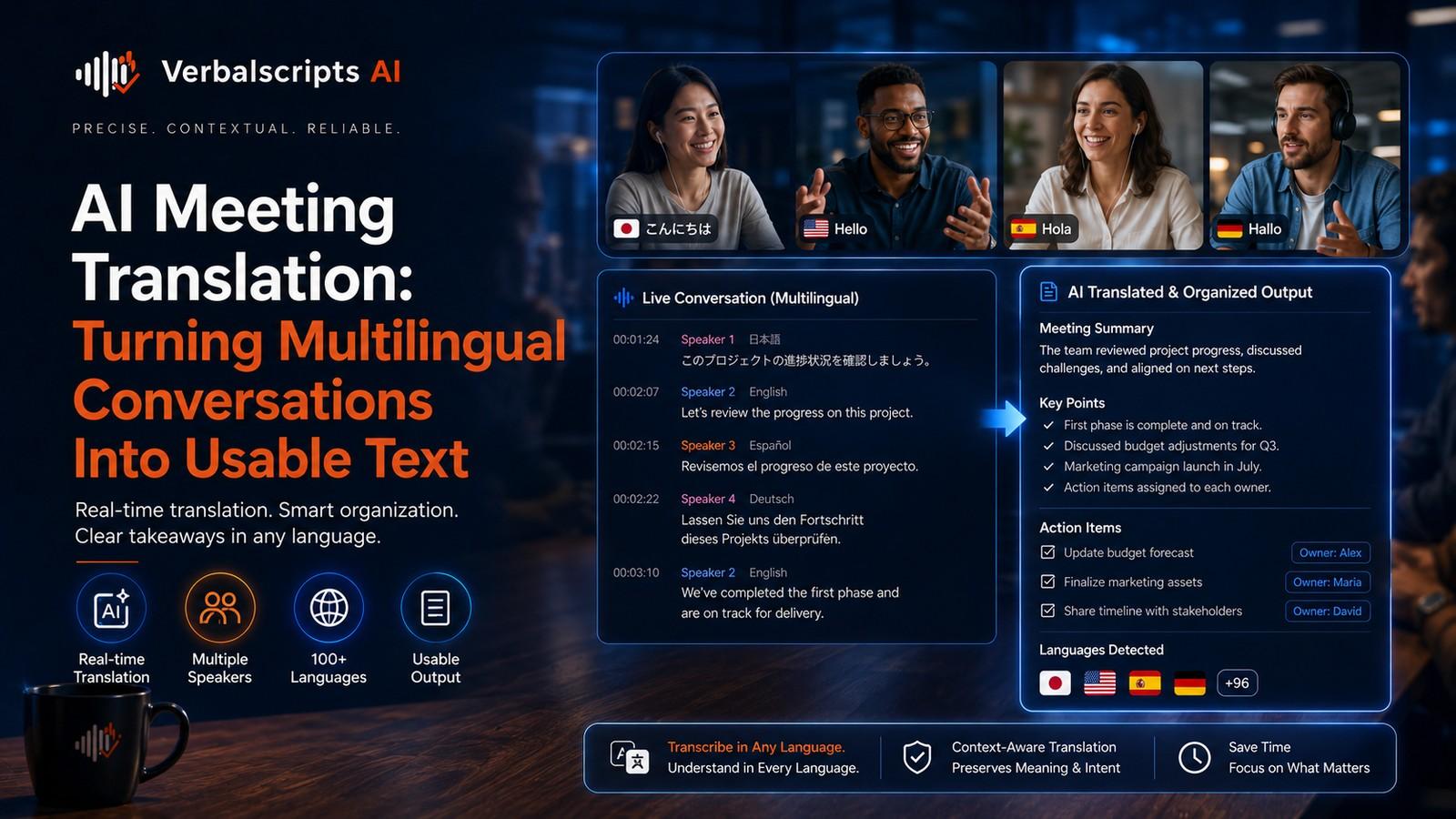
Can AI improve translation for customer support teams? Yes. AI can help translate tickets, live chats, emails, knowledge-base content and macros quickly, enabling support teams to assist customers across more languages. Quality improves when teams define tone and terminology, protect account details and product names, and apply human review or escalation for high-risk, high-value or sensitive cases.
Customer support is one of the most practical uses of AI translation because it sits at the intersection of high volume, real-time communication and recurring issues.
For production multilingual workflows, see our AI Translation service for the delivery path behind the guidance in this article.
Support teams often need to understand the customer quickly, respond consistently and route issues accurately across languages. AI can reduce response time, help multilingual teams scale and make knowledge resources more accessible. But support translation is not just about speed. It must preserve intent, empathy, troubleshooting clarity and account-specific details.
The objective is not merely multilingual response volume. It is clear, accurate, trustworthy support at scale.
What customer support translation includes
Support translation may touch:
- live chat;
- email tickets;
- support forms;
- chatbot interactions;
- knowledge-base articles;
- status messages;
- escalation notes;
- troubleshooting steps;
- refund or billing explanations;
- agent macros and canned replies.
Each of these requires a slightly different level of control.
Real-time pressure changes the workflow
Unlike long-form content translation, support translation often happens in minutes or seconds.
That means the workflow must optimize for:
- speed;
- low friction;
- clarity;
- privacy;
- routing.
AI is valuable because it can interpret incoming language, draft outgoing replies and bridge conversations without requiring every agent to be multilingual.
Incoming message understanding
The first challenge is understanding what the customer is asking.
A support message may include:
- slang;
- typos;
- screenshots;
- urgency;
- frustration;
- product-specific jargon;
- issue history.
AI can help detect:
- language;
- customer intent;
- sentiment;
- likely category;
- routing priority.
Accurate intake translation improves both response quality and workflow efficiency.
Outgoing response translation
A support response needs to preserve:
- the answer itself;
- tone;
- empathy;
- product terminology;
- troubleshooting sequence;
- policy language.
A translation that is polite but vague is not helpful. A translation that is exact but cold may damage customer experience.
The right tone depends on the brand and situation.
Tone and empathy
Support translation quality is strongly shaped by tone guidance.
Teams should specify:
- whether the brand is warm or formal;
- how apologies are phrased;
- how escalation is explained;
- how firm boundaries are communicated;
- whether the agent should use first-person singular or company voice.
AI can follow these patterns surprisingly well when the rules are explicit.
Troubleshooting steps
Troubleshooting content often looks simple, but it is operationally important.
Support translations should preserve:
- step order;
- menu names;
- button labels;
- required prerequisites;
- cautionary notes;
- expected outcomes.
If the localized UI already exists, support replies should use the same terms customers see on screen. This is where glossary control matters.
Macros and canned responses
Support teams often rely on standardized responses for:
- password resets;
- shipping delays;
- refunds;
- verification steps;
- outage notices;
- next-step instructions.
These are ideal candidates for AI-assisted translation plus human approval. Once approved, they become reusable multilingual assets that improve consistency and speed.
Knowledge-base content
Multilingual support is stronger when customers can solve issues themselves.
Translate:
- help articles;
- FAQs;
- setup guides;
- troubleshooting pages;
- policy explanations.
Because these resources are often reused by agents too, aligned terminology between the help center and the ticket workflow is valuable.
Product names, plans and account details
Support conversations frequently contain structured details:
- product names;
- subscription plans;
- order numbers;
- ticket IDs;
- tracking numbers;
- account status labels.
These should be protected or handled carefully. Translating a plan name or mis-copying an order number can create confusion.
Privacy and sensitive information
Support interactions may contain:
- addresses;
- phone numbers;
- payment details;
- personal identifiers;
- internal account notes.
Before applying AI translation, verify:
- data handling rules;
- masking of sensitive content where possible;
- access controls;
- retention;
- audit trails.
PII detection and redaction can be especially helpful in support environments.
Escalation and risk tiers
Not every ticket needs the same review.
Standard tier
Routine requests like shipping status or simple setup questions may be handled with AI-assisted translation and agent review.
Sensitive tier
Billing disputes, cancellations, privacy requests or contractual issues may need stronger human oversight.
Critical tier
Security incidents, harassment reports, legal complaints, safety issues or regulated matters should be escalated.
Risk-based escalation protects both the customer and the support team.
Chatbots and agent assist
AI support translation can work in several modes:
- live machine translation between customer and agent;
- agent-assist suggestions;
- chatbot multilingual response;
- summary generation for escalation.
The best implementation keeps a human override path available. Customers should not get trapped in a translated automated flow that never recognizes confusion.
Quality measures
Support translation quality should be measured against operational outcomes:
- time to first response;
- resolution time;
- customer satisfaction;
- escalation rate;
- re-contact rate;
- translation edit rate;
- comprehension issues.
If translated responses are fast but produce more confusion, the workflow needs improvement.
Common failure patterns
Wrong tone
The answer feels robotic, dismissive or overly formal.
Product term mismatch
The agent uses a translated UI term the product itself does not use.
Unclear instructions
Troubleshooting steps are grammatically correct but hard to follow.
Over-translation of structured data
IDs, plans or product names are changed.
Missed customer emotion
Urgency, anger or distress is flattened.
Unsupported confidence
The translation makes a tentative investigation sound like a final answer.
A practical workflow
Step 1: define support content types
Tickets, chat, KB, macros, status updates and escalations.
Step 2: build support terminology
Product names, plan names, UI labels, policy terms.
Step 3: define tone rules
Empathy, formality, brand voice and escalation phrases.
Step 4: deploy AI translation
For inbound understanding and outbound drafting.
Step 5: apply privacy controls
Mask or protect sensitive fields.
Step 6: review and escalate
Route high-risk tickets for stronger human handling.
Step 7: learn from edits
Use agent corrections to improve templates and glossary control.
Human review in support
Human review does not have to mean a slow centralized bottleneck.
Often it means:
- the agent checks the draft before sending;
- a multilingual QA reviewer audits samples;
- critical cases are escalated;
- approved macros are reused.
This hybrid model gives teams most of the speed benefits without abandoning quality.
Agent confidence and workflow adoption
Support translation succeeds when agents trust the system enough to use it confidently, but not so blindly that they stop checking important details. Good rollout therefore includes agent training, examples of common error patterns and clear escalation rules. When teams understand what AI is good at and where human judgment is still required, adoption becomes healthier and more consistent.
Multilingual quality loops
Support environments generate continuous feedback. If agents keep correcting the same product term or tone issue, that pattern should be reflected in updated macros, glossary entries or prompting rules. This turns support translation into an improving operational system rather than a static tool. The feedback loop is one of the main reasons support is such a powerful domain for AI-assisted language operations.
Support content beyond one-to-one conversations
Customer support translation also includes macros, help-center search terms, self-service bots, outage notices and follow-up surveys. When these assets align, customers get a more coherent multilingual experience. They can find answers independently, understand system updates and then continue speaking with an agent using the same terminology.
Policy, refunds and sensitive communication
Support teams often have to communicate policy outcomes such as denied refunds, chargeback responses, verification failures or account restrictions. These messages need especially careful tone control. The translation should remain clear and accurate without sounding hostile, evasive or overly legalistic unless the context requires that language.
Measuring success after deployment
Once AI translation is deployed in support, teams should examine customer satisfaction trends, resolution quality, escalations and edit patterns by language. These signals help show whether the translation layer is genuinely improving service or merely accelerating responses. Continuous measurement turns support translation into a managed capability rather than a one-time rollout.
Multichannel continuity for the customer
A customer may begin with self-service content, then use a chatbot, then email an agent and later receive a follow-up survey. Translation quality should feel consistent across that whole journey. If the terminology, tone or policy explanation changes at each step, confidence declines. AI can help unify those touchpoints when the same language rules and approved content are reused.
Team enablement and governance
Support leaders should define who can edit multilingual macros, how corrections are captured and which issues require escalation to language specialists or legal/compliance teams. Governance matters because support translation is not only a language feature; it is part of the service operating model.
Brand consistency and trust recovery
Support often becomes most visible when something has gone wrong: an outage, delay, billing issue or failed delivery. In those moments, translation quality directly influences trust recovery. Customers need language that is calm, clear and credible. AI can help teams respond quickly, but the message must still sound aligned with the brand and appropriate to the seriousness of the issue.
Internal knowledge transfer
Global support teams also need translated internal content such as resolution notes, training materials and escalation summaries. AI can reduce friction here too, helping agents learn from cases across regions. When internal multilingual knowledge flows improve, external customer service usually improves with it.
Language coverage strategy
Support organizations do not always need to launch every language at the same quality tier on day one. A phased strategy can work well: high-volume languages get deeper macro libraries and QA coverage first, while lower-volume languages start with more agent-assisted workflows. This allows the operation to expand globally without pretending every language has the same maturity immediately.
Frequently asked questions
Can AI translate live customer chats?
Yes. AI can support near-real-time translation between agents and customers.
Is customer support translation only for outbound replies?
No. It is equally valuable for understanding inbound requests, routing issues and translating internal escalation notes.
Should every translated ticket be reviewed by a human?
Not always. A risk-based model works best, with stronger review for high-risk, sensitive or high-value interactions.
What is the biggest support-translation risk?
Misunderstanding the customer’s issue or providing incorrect instructions with the wrong tone.
Can AI help support teams scale globally?
Yes. It can reduce language barriers, support self-service content and help teams manage multilingual workflows more efficiently.
Conclusion
AI customer support translation is one of the most operationally useful forms of language AI because it directly affects speed, reach and customer experience.
The best systems do more than translate words. They preserve empathy, product terminology, workflow logic and data accuracy while helping global service teams respond faster. With clear tone rules, privacy safeguards and escalation paths, AI becomes a strong support enabler, not just a language convenience.
Research references
- Google Cloud, Creating and using glossaries:
- Microsoft Learn, Localization overview:
- Google Search Central, AI features and your website: