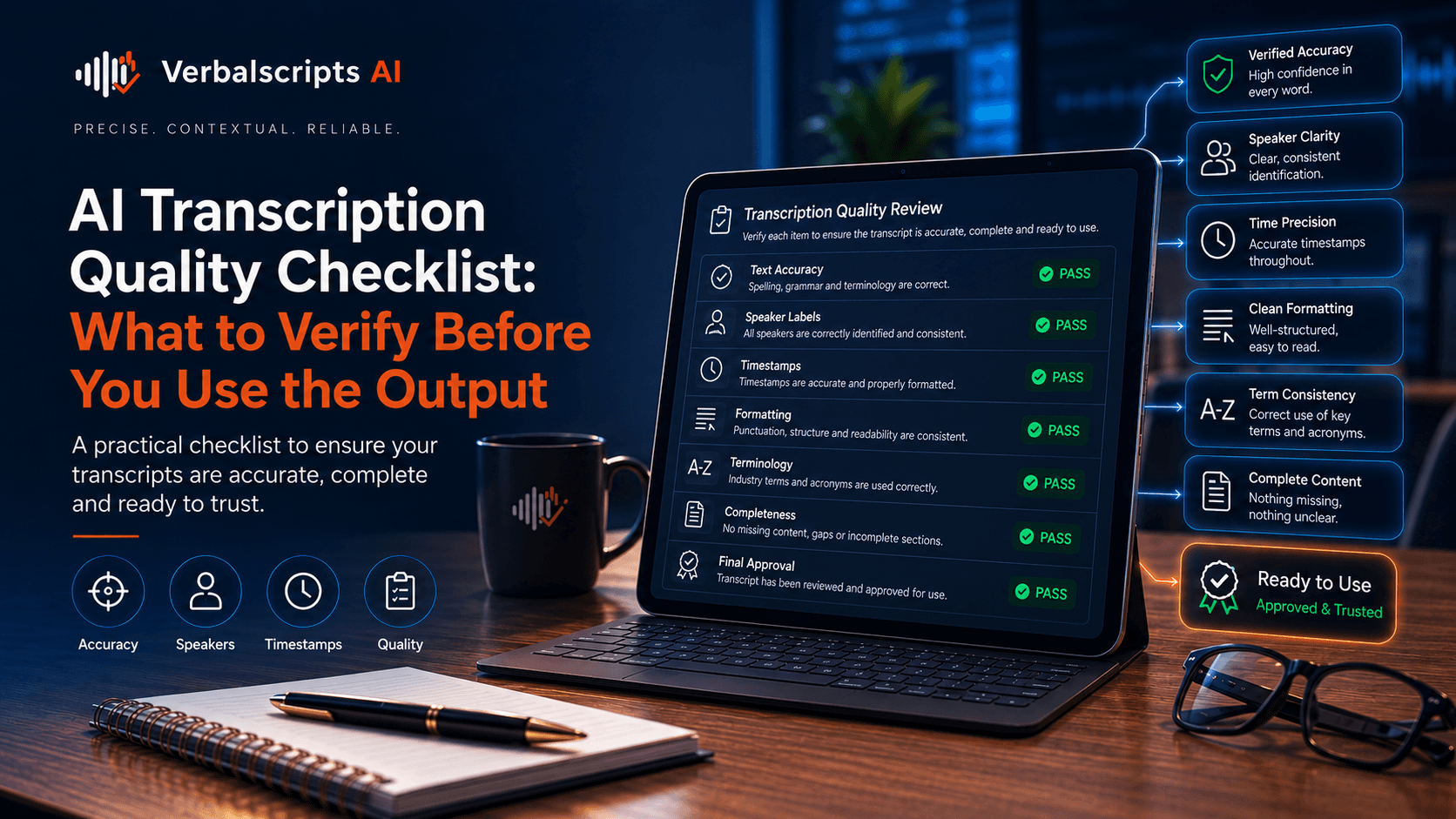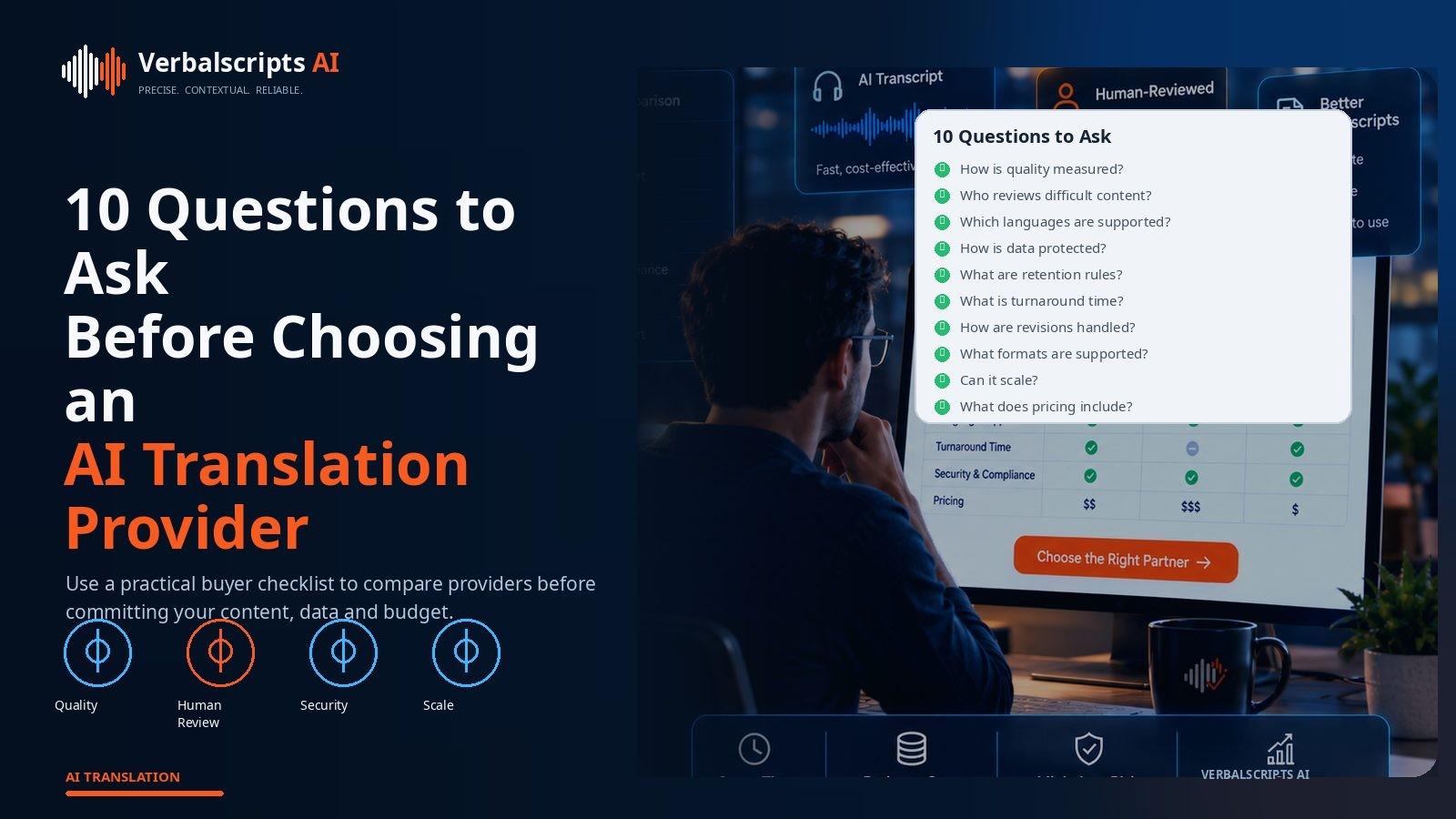
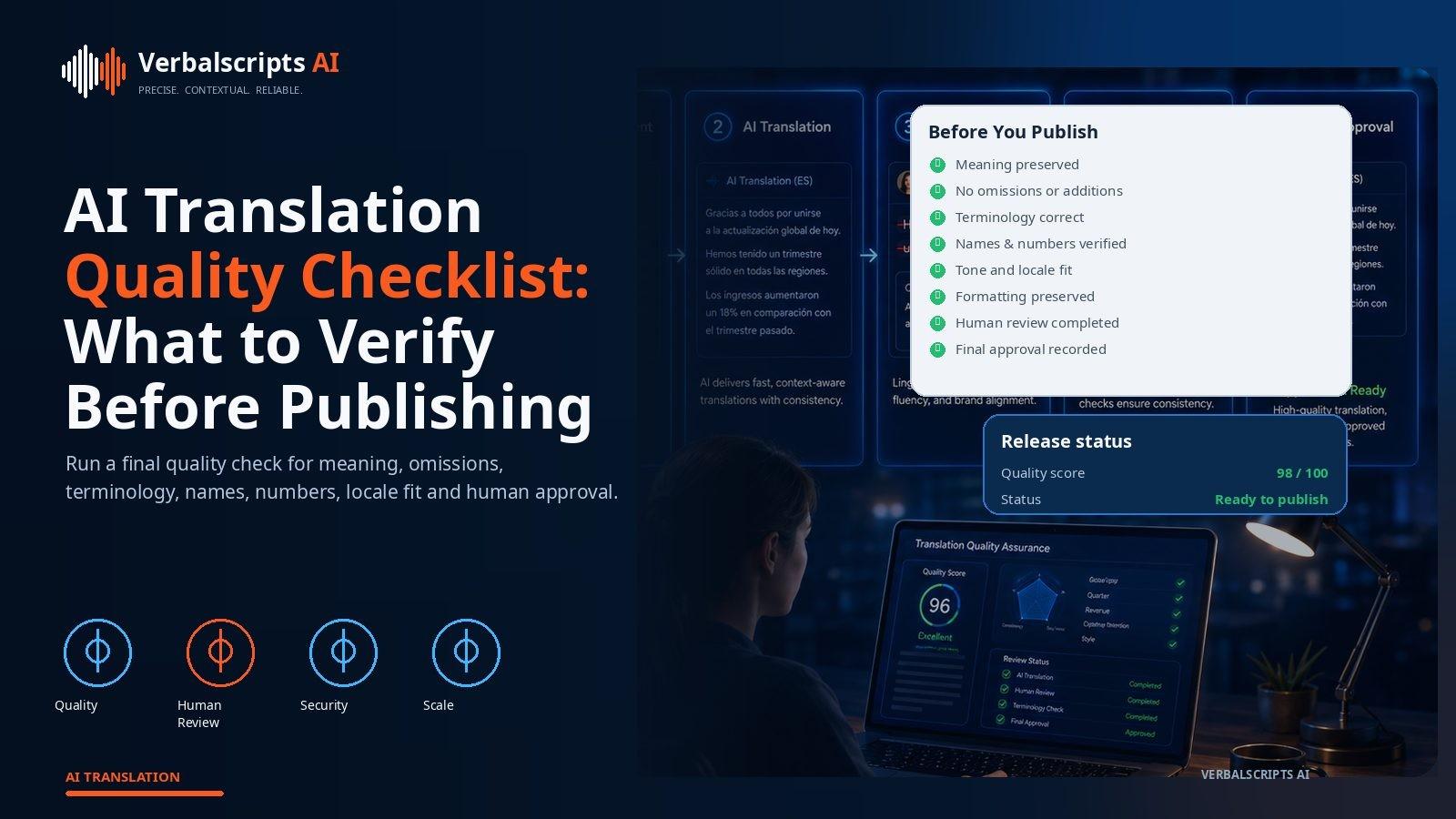
Before publishing AI-translated content, verify:
| SEO title | AI Translation Quality Checklist Before Publishing |
|---|---|
| Slug | ai-translation-quality-checklist-before-publishing |
| Meta description | Use this AI translation quality checklist to verify meaning, omissions, terminology, numbers, locale, formatting, accessibility and final approval. |
| Primary keyword | AI translation quality checklist |
| Search intent | How-to |
| Hero image | 169-ai-translation-quality-checklist.jpg |
| Hero alt text | Publication checklist showing translation meaning, terminology, numbers, layout, accessibility and approval checks |
| Article body words | 1956 |
For production multilingual workflows, see our AI Translation service for the delivery path behind the guidance in this article.
Publishing is the point where a translation stops being an internal draft and becomes part of the organization’s public or operational reality.
A final quality checklist prevents a common problem: linguistic review is completed, but a broken link, untranslated button, wrong number or outdated source version survives into production.
Use the checklist below as the last gate.
- correct source/version;
- target language/locale;
- no omissions or unsupported additions;
- names/numbers;
- terminology;
- grammar/naturalness;
- tone/style;
- local formats;
- links/placeholders;
- visual layout;
- accessibility;
- legal/specialist review where required;
- final approval status.
For high-risk content, require zero unresolved critical errors.
1. Correct source version
Confirm:
- target was translated from latest approved source.
If source changed during translation:
- identify affected segments.
Do not publish a perfect translation of outdated content.
2. Correct target language and locale
Verify:
- language;
- region;
- script.
Examples:
- pt-BR vs pt-PT;
- zh-Hans vs zh-Hant.
Do not rely only on filename.
3. Complete content
Compare source and target:
- all paragraphs;
- tables;
- captions;
- footnotes;
- headers/footers.
Check source-language leftovers.
4. No hallucinations
Ask:
- Does every target claim have source support?
Pay attention to:
- summaries;
- LLM adaptive translation.
5. No omissions
Check:
- qualifiers;
- warnings;
- negatives;
- list items.
Omissions can hide inside fluent text.
6. Numbers
Verify:
- dates;
- prices;
- percentages;
- IDs;
- quantities.
Automate exact comparisons.
7. Names
Verify:
- people;
- organizations;
- products;
- places.
Use authoritative spellings.
8. Terminology
Run glossary check.
Confirm:
- approved terms;
- forbidden variants;
- do-not-translate.
9. Grammar
Target should be:
- grammatical;
- correctly punctuated;
- readable.
Native review is valuable.
10. Tone
Check against content type:
- support;
- legal;
- marketing.
Do not over-polish legal text or make support cold.
11. Formality
Verify:
- pronouns;
- honorifics;
- register.
Keep consistent.
12. Locale formatting
Check:
- dates;
- numbers;
- currency;
- units.
Use standards-based formatters for dynamic content.
13. Links
Test:
- hyperlinks;
- localized destination;
- anchors.
A French page should not unexpectedly send users to English when a French version exists.
14. Placeholders
Check:
- variables;
- markup;
- ICU strings.
No translated placeholder names.
15. UI fit
Inspect:
- buttons;
- menus;
- mobile.
Look for:
- truncation;
- overlap.
16. Document layout
For DOCX/PDF/PPT:
- tables;
- page flow;
- fonts;
- text boxes.
Complex translation needs visual QA.
17. RTL
For RTL:
- direction;
- numbers;
- punctuation;
- layout.
Test actual application.
18. Accessibility
Verify:
- page language;
- alt text;
- captions;
- heading hierarchy.
Localization should not degrade accessibility.
19. Images
Check text inside:
- screenshots;
- charts;
- diagrams.
Localize if required.
20. Metadata
Web:
- title;
- meta description;
- structured data;
- Open Graph.
Keep aligned with visible content.
21. hreflang
For multilingual web, verify:
- language variants;
- reciprocal links.
Google provides specific international-site guidance.
22. SEO naturalness
Do not stuff translated keywords.
Use terms target users search.
23. Brand names
Check exact brand/product spelling.
AI may translate semantically meaningful names incorrectly.
24. Legal disclaimer
If content has legal/regulatory disclaimer:
- confirm correct target/market.
Do not reuse another market’s legal text automatically.
25. Privacy
Confirm no accidental exposure of:
- internal comments;
- PII;
- reviewer notes.
Publishing workflows can reveal hidden file content.
26. Reviewer comments
Resolve all:
- comments;
- tracked changes.
Do not publish internal notes.
27. Human approval
If required:
- reviewer name/status recorded.
Do not confuse “AI generated” with “approved.”
28. Specialist approval
For high-risk:
- legal;
- medical;
- finance;
- engineering.
Complete domain review.
29. Critical error check
Critical list may include:
- wrong price;
- wrong dosage;
- reversed legal obligation.
Zero unresolved critical errors.
30. Final artifact test
Open the final file/page.
Do not approve an intermediate file.
Test:
- browser;
- mobile;
- document reader.
31. Source-target traceability
Store:
- source version;
- target version;
- glossary;
- model/reviewer.
This makes future updates safer.
32. Post-publish monitoring
After release, monitor:
- user feedback;
- support;
- analytics.
Quality can still be improved.
Checklist implementation
Use three layers:
Automated
- numbers;
- placeholders;
- language;
- terms;
- links.
Human
- meaning;
- tone;
- culture.
Functional
- rendered page/document.
This is more reliable than one reviewer remembering 32 items.
Risk-based checklist
Low-risk content can use lighter process.
High-risk content uses every relevant gate.
Avoid checklist theater: every check should have an owner or automation.
Turn the checklist into release gates
A checklist is most effective when critical items can stop publishing automatically. Example gates:
- source version mismatch → block;
- missing target file → block;
- number mismatch → block high-risk content;
- unresolved reviewer comment → block;
- wrong language tag → block web release.
Other items such as a minor style warning can be non-blocking.
This turns QA from a document people forget to read into a repeatable release process.
Web release example
Before publishing a German help-center page, automation can verify:
- title and body exist;
- lang="de" is set;
- canonical and locale links are valid;
- no English source paragraphs remain;
- product glossary terms pass;
- internal links prefer German destinations.
A reviewer then checks meaning and naturalness in rendered page context. The combined gate catches far more than either step alone.
Document release example
For a translated PDF or DOCX:
- compare page/section counts;
- verify fonts support script;
- scan for source-language leftovers;
- validate hyperlinks;
- confirm tracked changes/comments removed according to policy.
For legal or certified deliverables, add a final identity/signoff check.
High-risk data checklist
For documents containing sensitive data, add:
- approved processing environment;
- reviewer permissions;
- retention policy;
- final sharing permissions.
A translation can be linguistically excellent and still fail the project because it was distributed through an unauthorized channel.
Post-release correction plan
The checklist should state what happens if users report an error:
- triage severity;
- correct target;
- identify related occurrences;
- update glossary/prompt/test;
- document incident if critical.
Publishing is not the end of quality management.
Compact pre-publish checklist for editors
For day-to-day use, editors can reduce the long checklist to ten visible gates:
- correct source version;
- correct target locale;
- meaning complete;
- names/numbers verified;
- terminology approved;
- no placeholders/markup broken;
- target reads naturally;
- rendered layout works;
- required human/specialist approval complete;
- final file/page version tested.
The detailed checklist remains behind these gates for QA teams.
Automated release report
A publishing pipeline can create a machine-readable report such as:
- source_version_match: pass;
- number_check: pass;
- glossary: 98% / 2 reviewed exceptions;
- language_id: pass;
- review_status: approved;
- layout_test: pass.
This makes final approval auditable and prevents editors from manually checking information the system already knows.
Difference between translation QA and content approval
Translation QA asks whether the target accurately represents the source. Content approval asks whether the source/target is correct for publication at all.
A target reviewer should not be expected to verify:
- whether a price is commercially approved;
- whether a legal claim is authorized;
- whether a product feature exists.
Those checks belong to the content owner. Keep responsibilities separate.
Post-publication monitoring window
For major launches, define a 24–72-hour watch period. Monitor:
- support tickets;
- user feedback;
- locale-specific analytics;
- search indexing;
- payment/checkout failures.
Some localization problems emerge only under real user behavior.
Checklist maintenance
After every serious incident, ask whether the checklist or automation should change. If a wrong RTL URL rendering reached production, add an RTL URL test. If a source version mismatch caused stale content, strengthen the version gate.
A checklist should evolve from real failures instead of becoming static compliance theater.
AEO and SEO checks before publishing
For article content, add:
- one clear H1;
- answer-first introduction;
- descriptive H2/H3 structure;
- unique title/meta description;
- target-language keyword sanity check;
- descriptive hero alt text;
- internal links to relevant locale pages.
Google states that its AI search features rely on the same foundational SEO practices as Search. Quality and usefulness matter more than adding special “AI” markup.
Structured data
If the page uses BlogPosting, ensure:
- headline matches visible article;
- image points to real hero image;
- dates are correct;
- author/publisher are accurate.
Do not add invisible FAQ or claims only for schema.
Citation and factual review
For researched articles, verify:
- external source links;
- current provider pricing/limits;
- standard version/date;
- no unsupported statistics.
Time-sensitive claims should include a publication/check date internally or in editorial notes.
Duplicate-content check
Machine-assisted multilingual publishing can accidentally create:
- duplicate slug;
- duplicate meta title;
- repeated article sections.
Run similarity and URL uniqueness checks before deployment.
Final editorial read
After all machine checks pass, read the article once from the target reader’s perspective without looking at the source. This catches:
- repetitive transitions;
- robotic sectioning;
- weak examples;
- unnatural CTA.
Publishing quality is not only the absence of errors; it is whether the content is worth reading.
Archive the publishing package
Store:
- approved article;
- metadata;
- source references;
- hero image;
- schema;
- review status.
This makes future updates and audits much easier.
Checklist ownership
Assign each gate to a role or automated service. For example:
- source version → CMS;
- placeholders → engineering QA;
- terminology → localization;
- numbers → automation + reviewer;
- final factual approval → content owner.
A checklist item with no owner is likely to be skipped.
Emergency publishing mode
Time-sensitive communication may need a shortened process. Define the emergency path before a crisis:
- machine draft;
- mandatory checks;
- designated native reviewer;
- specialist approval if safety/legal;
- post-publish audit.
Do not simply abandon QA because the deadline is urgent.
Publication confidence labels
Internally, store confidence state:
- draft;
- machine QA passed;
- human reviewed;
- specialist approved;
- published.
This makes workflow status visible and reduces accidental release of incomplete translations.
Translation history and rollback
Keep the previous approved target available when a new translation is published. If a major quality issue appears, the team can roll back quickly rather than leaving the page broken while a replacement is prepared.
Version history should include:
- previous target;
- source version;
- publication date;
- reviewer/approval status.
This is especially important for pricing, legal and other high-impact pages.
Final check for multilingual navigation
A translated page is not complete if the user cannot continue the journey in the same language. Test:
- header/footer;
- forms;
- checkout;
- contact/support links;
- related articles.
The article itself may pass every linguistic check while the surrounding user experience fails localization.
Editorial maintenance date
For researched content, record an internal “last verified” date for time-sensitive facts such as provider pricing, product features, standards and API limits. This makes future editorial refreshes targeted rather than forcing a complete rewrite.
The public article can remain evergreen while the content system knows which sections require periodic revalidation.
Implementation takeaway
For production use, treat release gates, final-artifact verification and post-publish monitoring as measurable parts of the workflow rather than assumptions. Define the relevant policy before processing content, keep the model or data configuration versioned, and verify results on representative material from the actual language, locale and domain. If automation produces a result that conflicts with a deterministic rule, authoritative terminology or qualified human evidence, escalate the item instead of averaging the disagreement away. The most durable multilingual systems preserve source-to-target traceability, record exceptions and feed reviewed corrections back into benchmarks, glossaries or routing rules. That discipline makes quality improvements reproducible when models, providers, reviewers or source content change.
Frequently asked questions
Who should own final approval?
A named content/localization owner, with specialist approval when needed.
Should QA happen before or after formatting?
Both. Linguistic QA before, final visual QA after.
Can automatic QA catch all errors?
No. It is best for deterministic constraints.
Is a native speaker enough?
Native fluency helps, but accuracy requires source or bilingual review.
What is the most important final check?
Verify the exact final artifact and source version.
Conclusion
Publishing quality is the sum of language, data, design and process.
Use automation for what can be checked exactly, humans for meaning and context, and final artifact testing for layout and functionality.
A disciplined checklist makes AI translation publishable without relying on memory or confidence.
Research references
- Google Search, international sites:
- W3C, Declaring language in HTML:
- Unicode Bidirectional Algorithm:
- HalOmi: